Your team
Manage teammates from the Team tab in Settings. Each member has a role:Owner
Created the organization. Full access, including billing. Cannot be removed.
Admin
Full view and edit access across the product, except billing.
Support
Read-only everywhere except the inbox, where they have full access to handle chats.
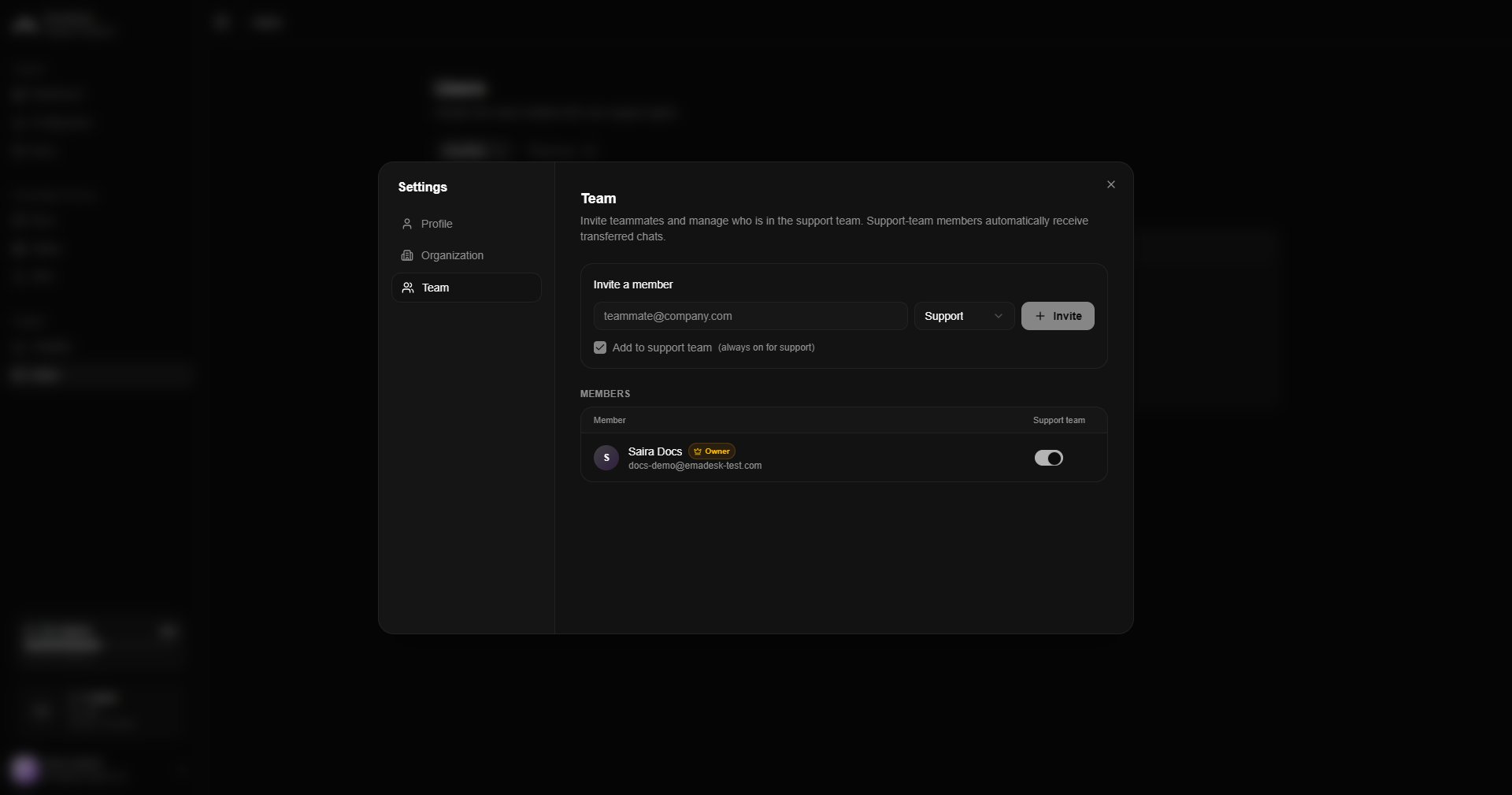
Invite a teammate
Enter an email and choose a role, then send the invitation. The invite shows as pending until accepted. The teammate receives an email with a secure link. After they sign in, they are asked to accept or decline the invitation. If they accept, they join your organization. If they decline, they can create their own organization instead.Support team and handoffs
The support team is the set of members who automatically receive transferred (human-handoff) chats. When the agent escalates a conversation, it is assigned to the support-team member with the fewest open chats, so work is shared evenly.- The support role is always in the support team.
- Owners and admins can toggle their own membership.
- At least one member must always be in the support team.
Your users
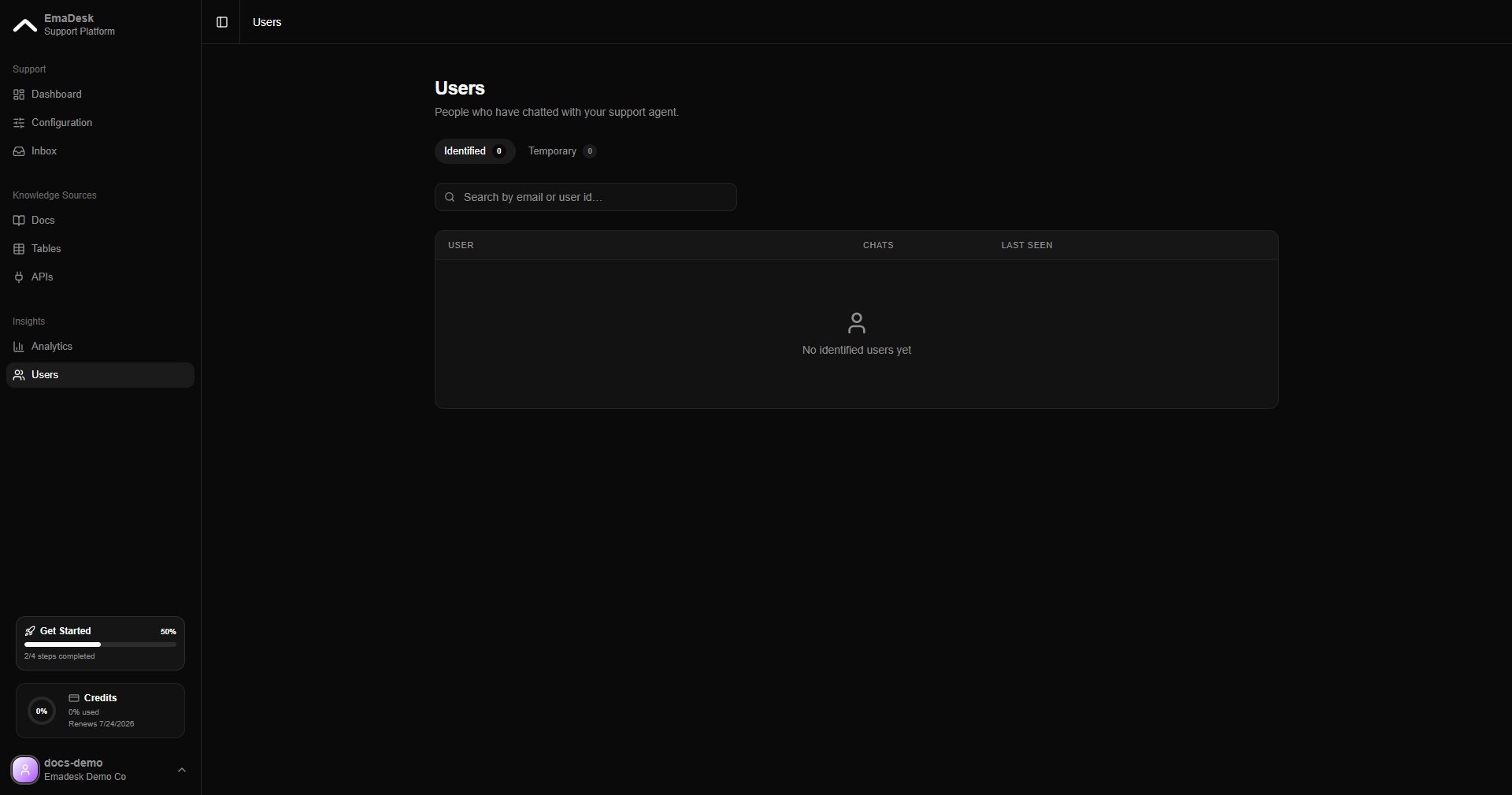
The Users page lists the people who have chatted with your agent, split into two tabs:- Identified — visitors who shared an email or user ID. Their full history follows them across sessions and devices.
- Temporary — anonymous visitors who have not identified themselves yet. They become identified the moment they share an email or ID.