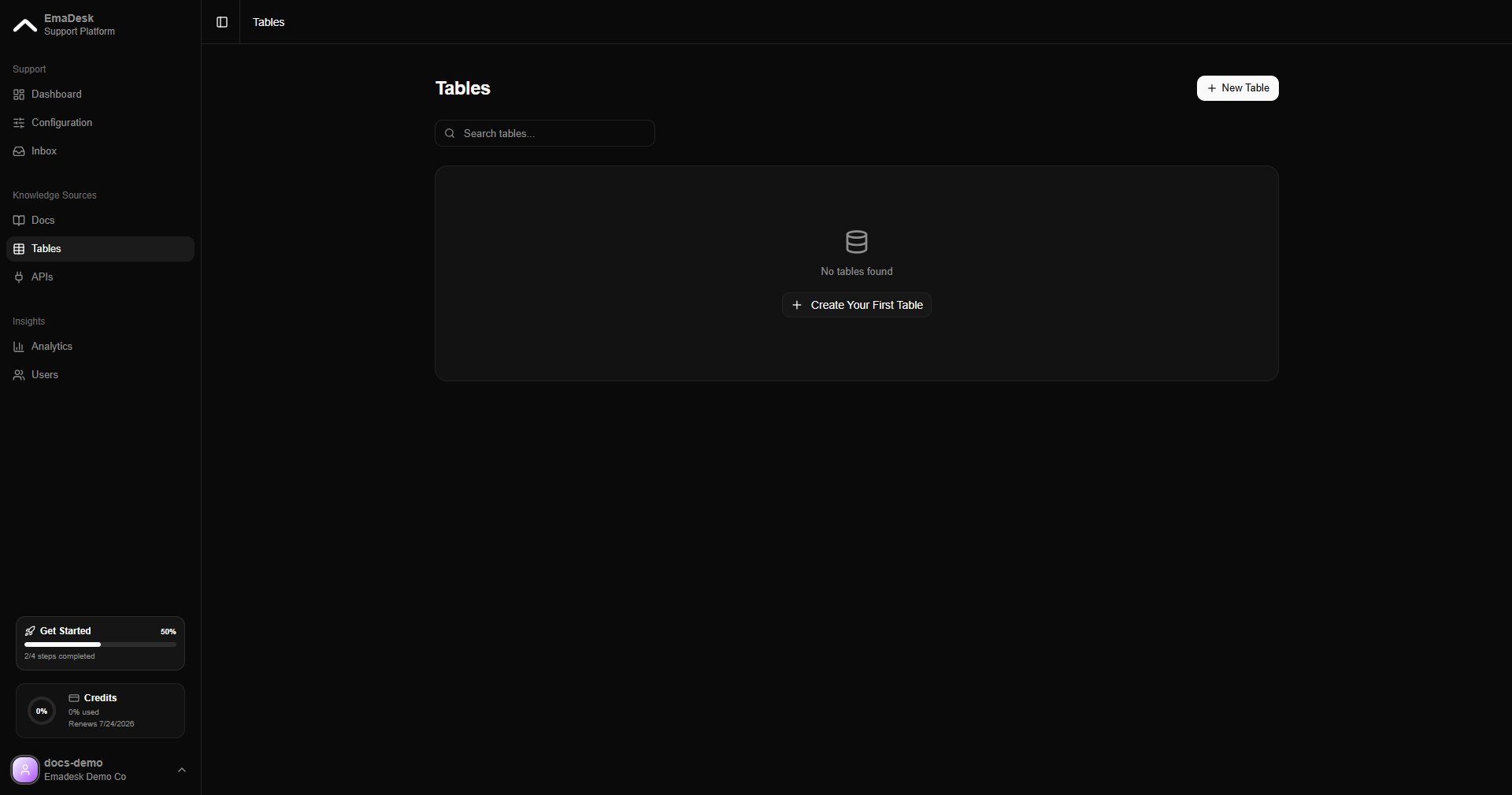
Tables hold structured records such as customers, orders, or bookings. The agent can read from them, and update them, while it talks to a customer, so it can resolve requests without a human.
Tables, empty state
Tables are available on paid plans.

Create a table

Click New table to define columns by hand, or import an existing CSV, Excel, or Google Sheet. The agent automatically gets lookup tools for any table you create.
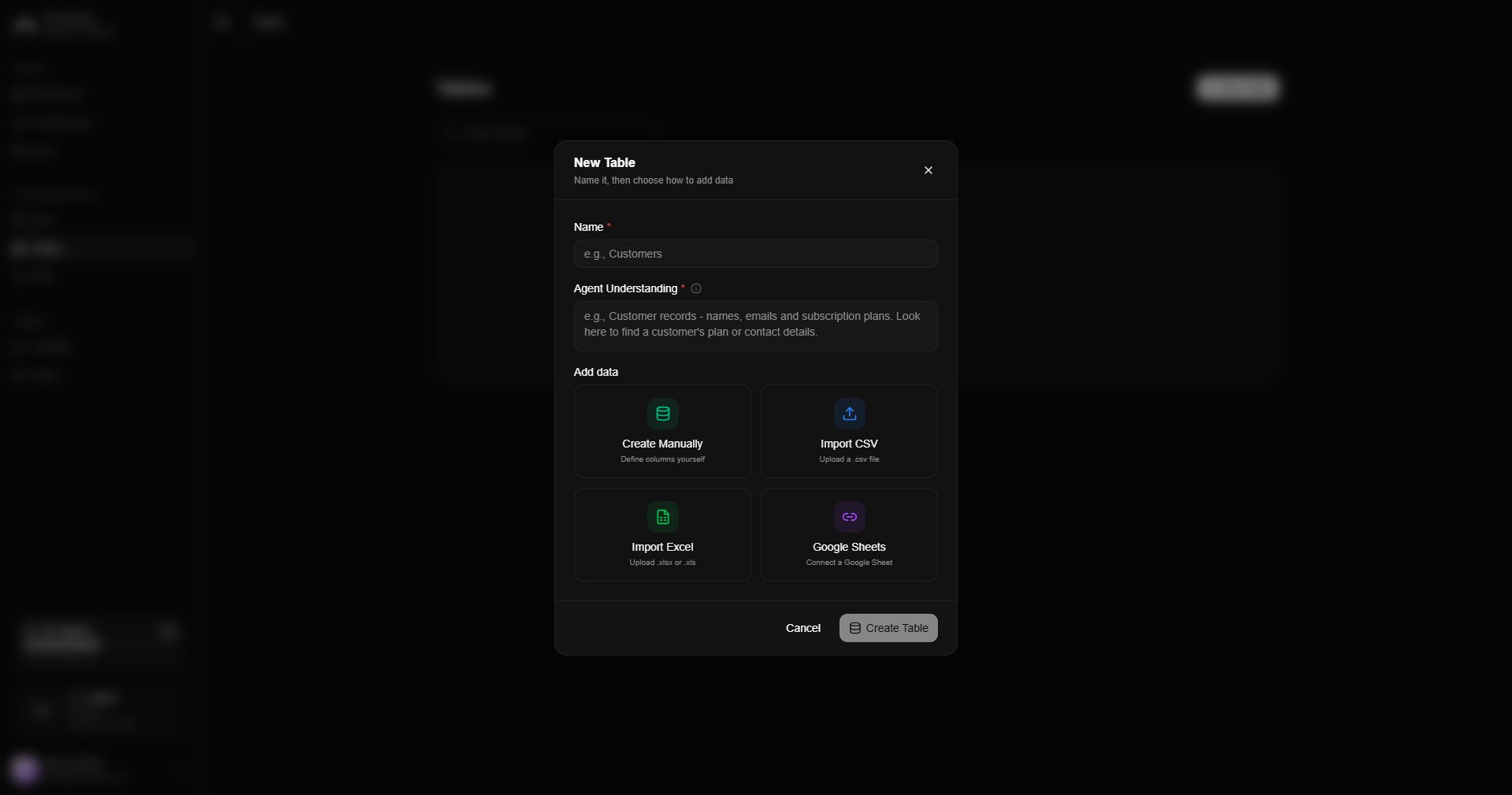
Create table dialog

Work with rows

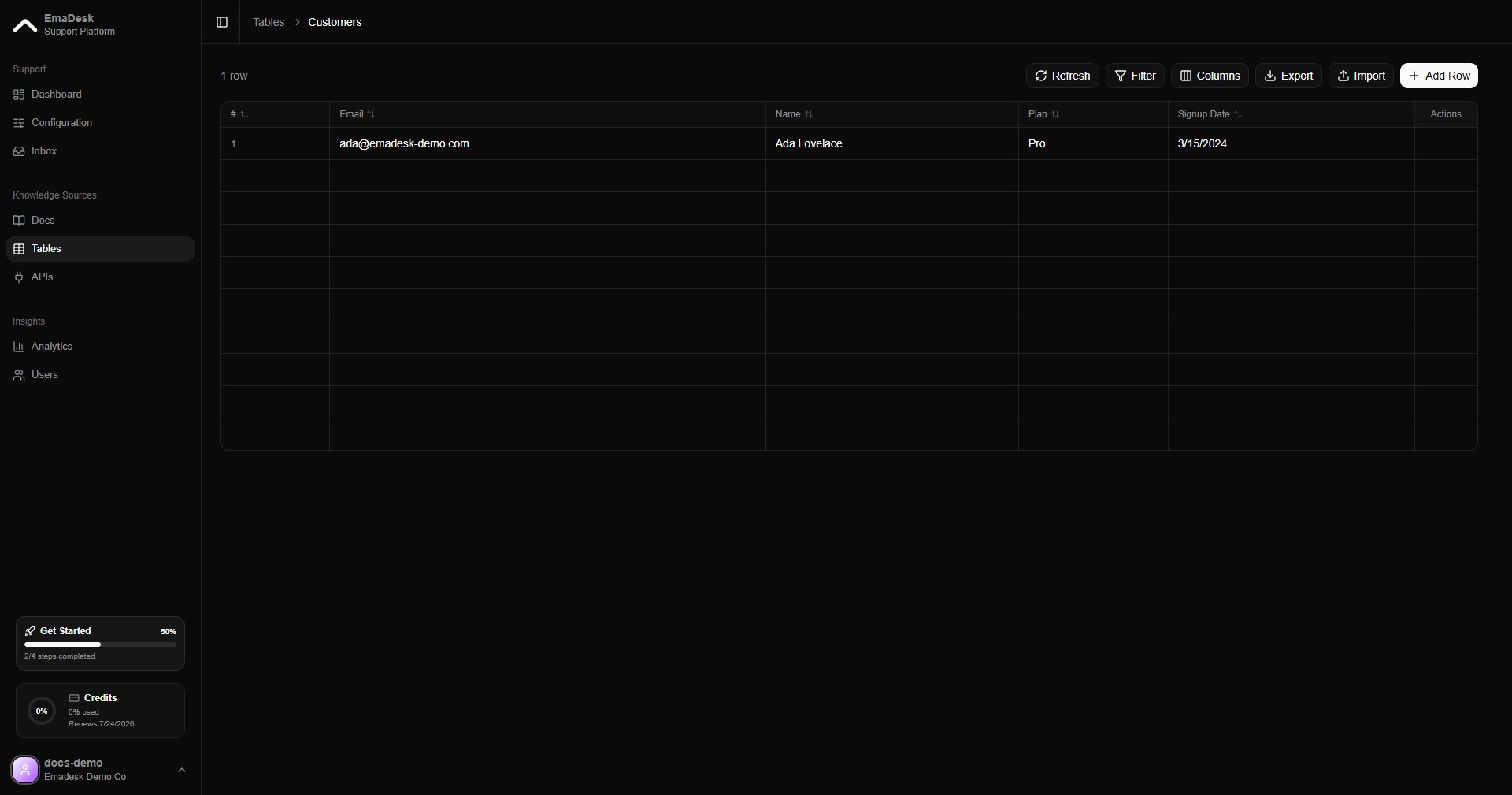
Each table lists its name, description, and column count. Open a table to view and edit its rows.
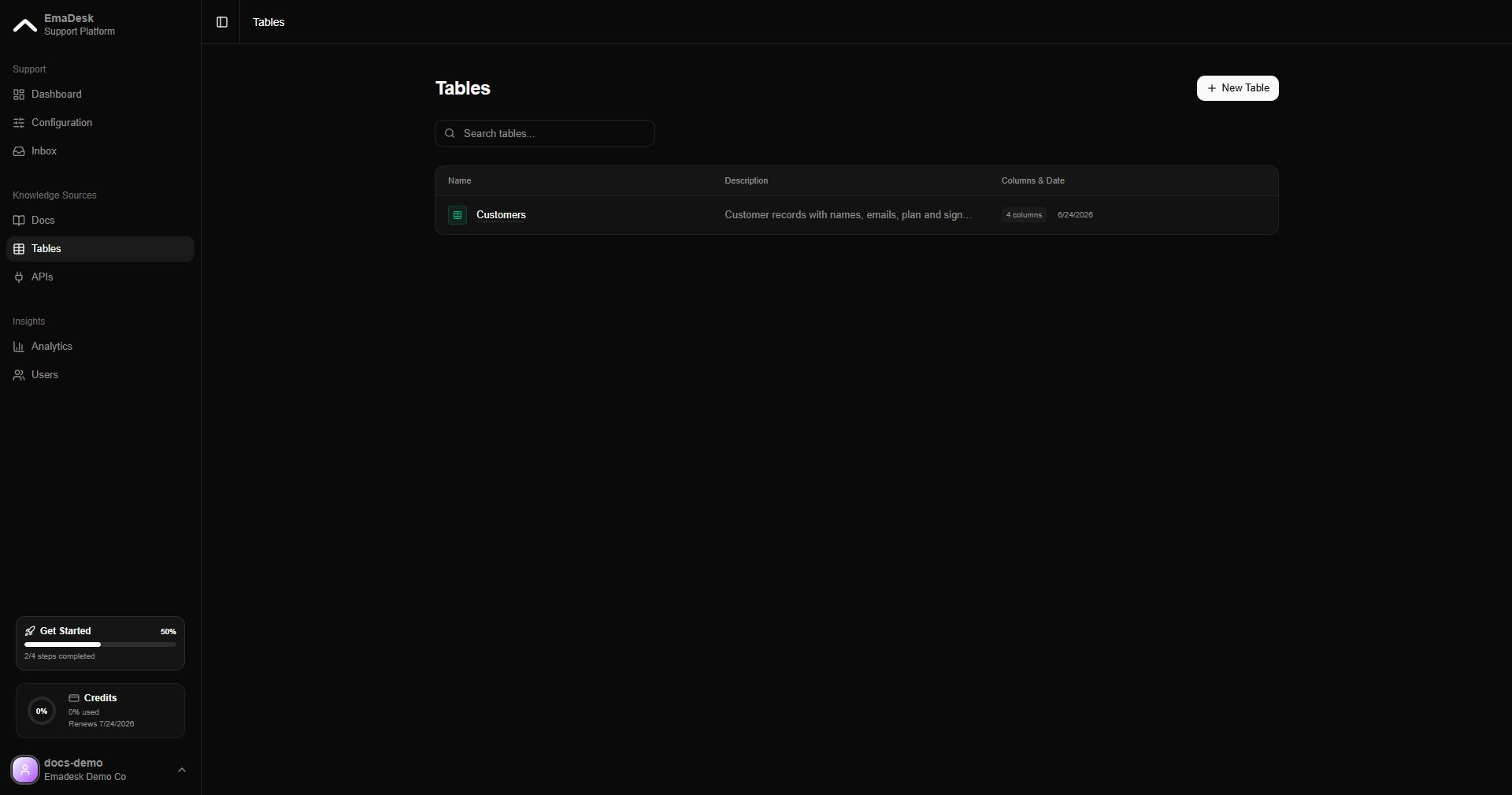
Tables list with data
Table detail with rows
Once a table exists, the agent can answer questions like “What is the status of order 1234?” by looking up the matching row.