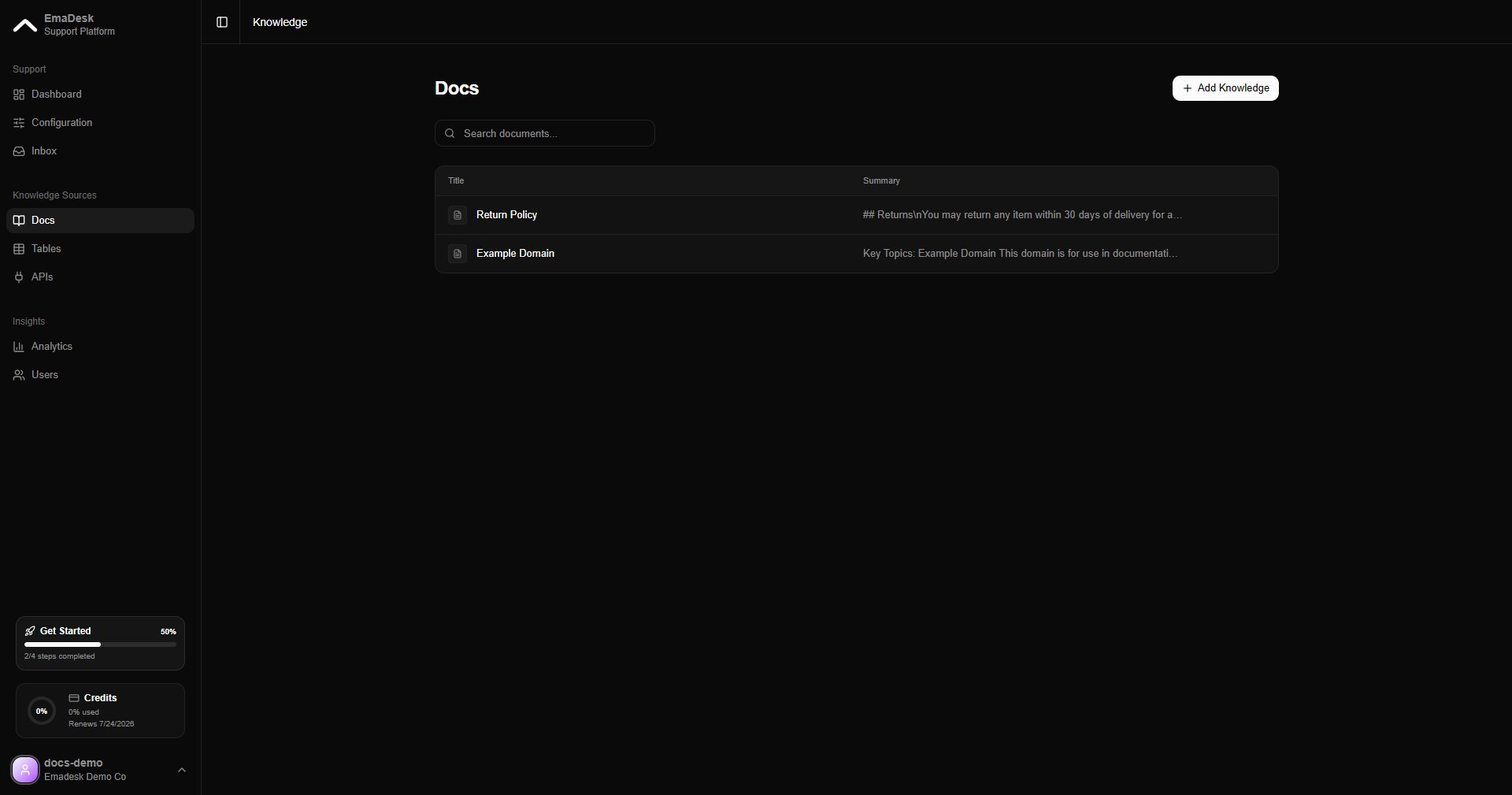
The knowledge base is what your agent searches to answer questions. You find it under Knowledge in the Knowledge Sources section of the sidebar. When a customer asks something, the agent retrieves the most relevant pieces of your knowledge and answers from them, with sources, instead of guessing.
Knowledge list

Add knowledge

Click Add and choose how to bring content in:

Upload a document

Add a file such as a PDF or text document.

Paste text

Paste content directly, like a policy or a help article.

Crawl a web page

Enter a URL and EmaDesk extracts and indexes the page.
Add knowledge dialog
Once added, EmaDesk indexes the content for search. Indexed items are searched on every reply.
Knowledge created
The more focused your content, the more accurate the answers. Add your product docs, policies, and FAQs first.