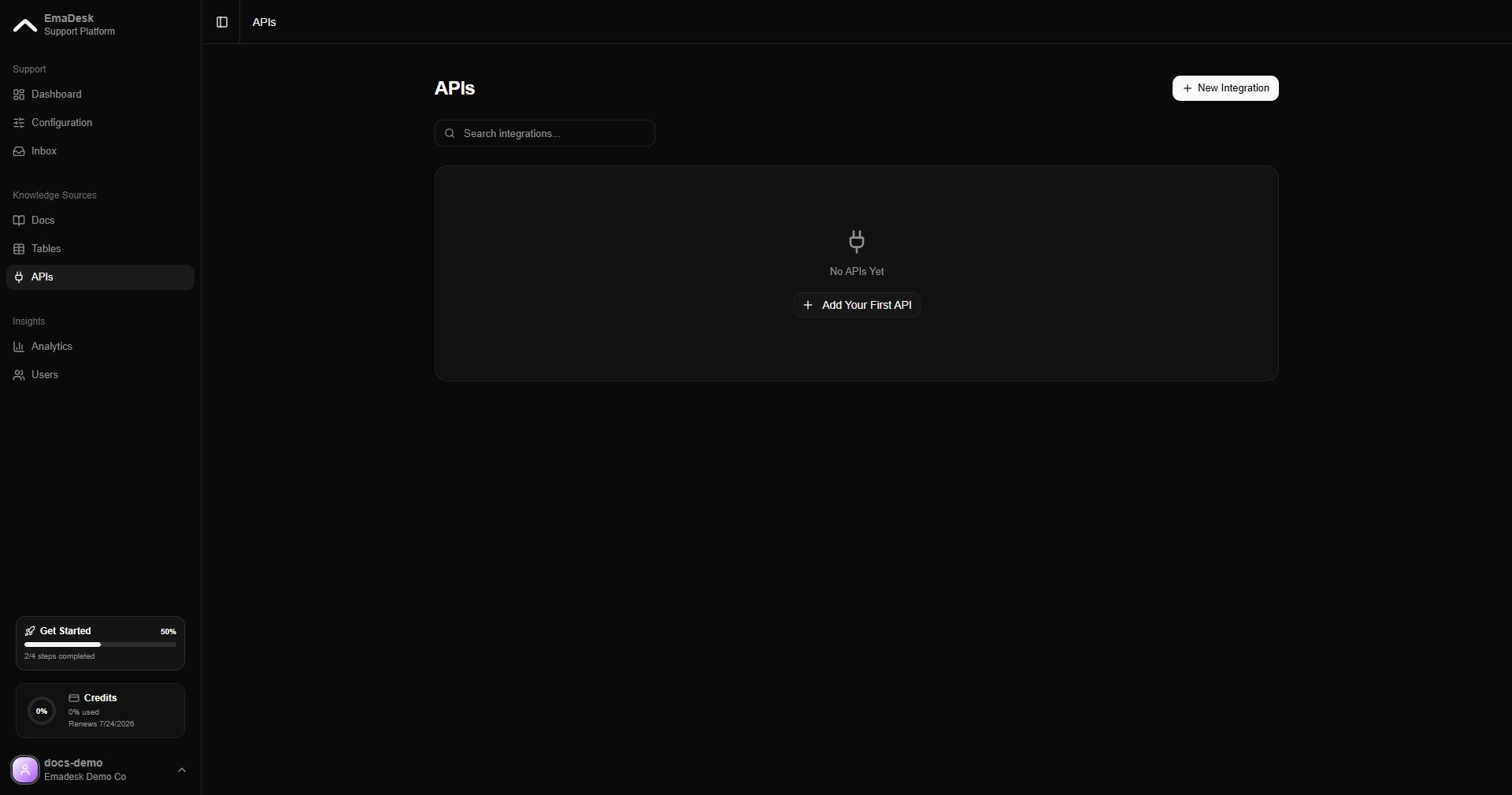
API tools are available on paid plans.
Add an API tool
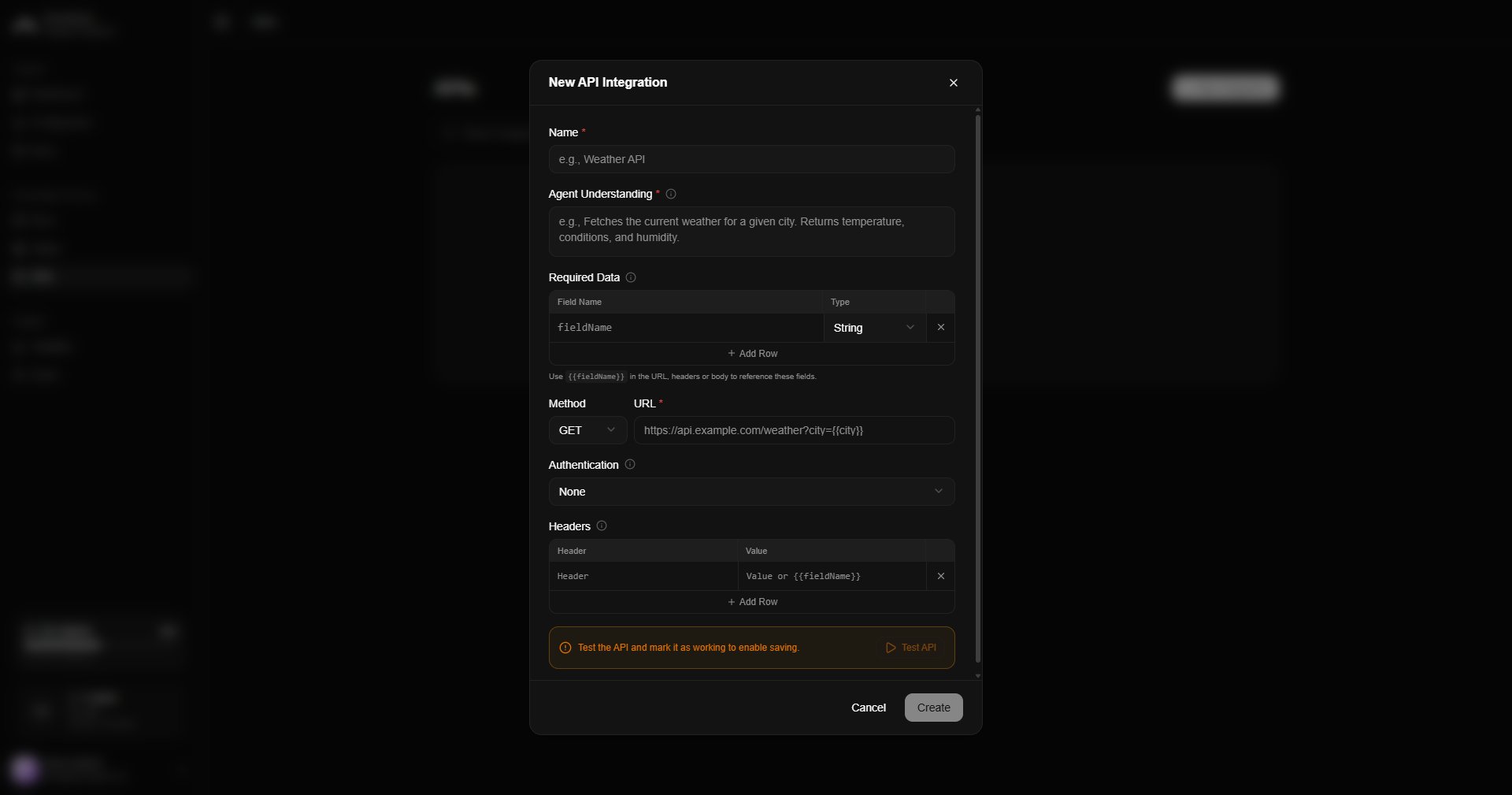
Click New and define the request:1
Method and URL
Choose the HTTP method (GET, POST, and so on) and the endpoint URL.
2
Authentication
Add any auth headers, tokens, or keys the endpoint needs. They are stored securely.
3
Inputs
Describe the inputs the agent should collect and pass to the request.
4
Test
Run a test request to confirm it works before saving.