Sign in
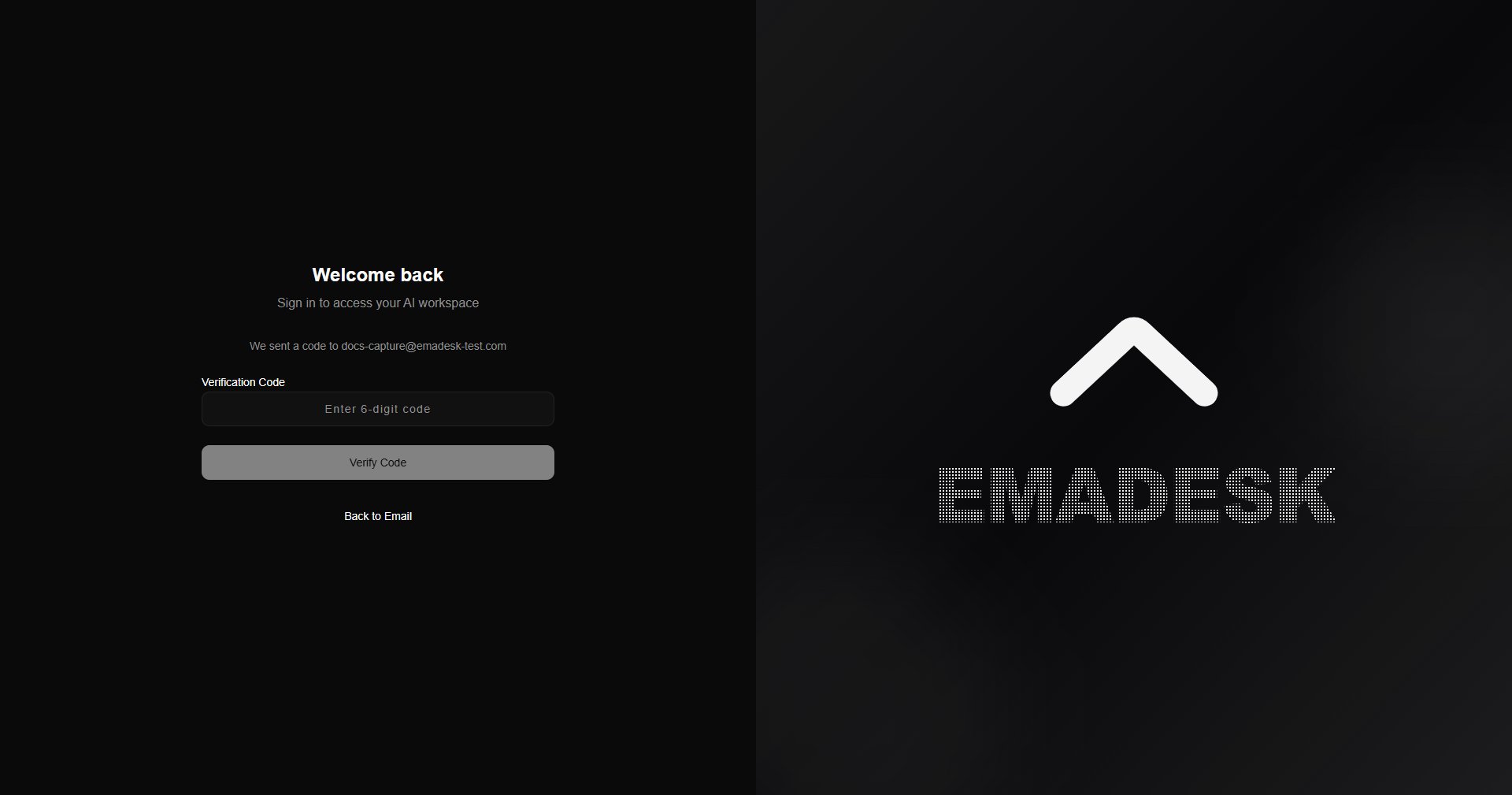
Open EmaDesk and sign in with your email, Google, or GitHub. When you use email, we send a one-time passcode to confirm it is you.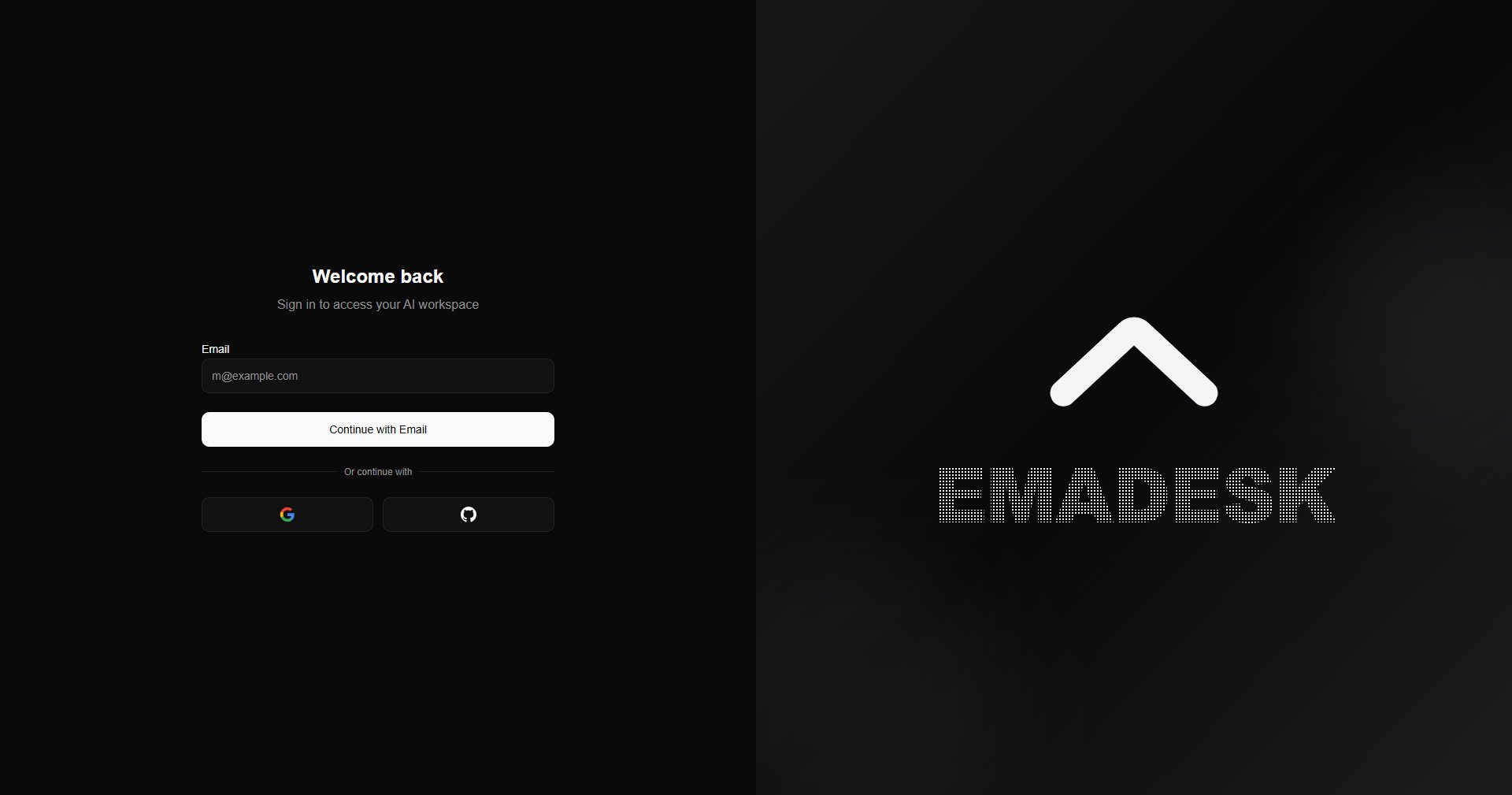
Complete your profile
Tell us who you are and name your organization. If you add your website, EmaDesk extracts details such as your logo automatically.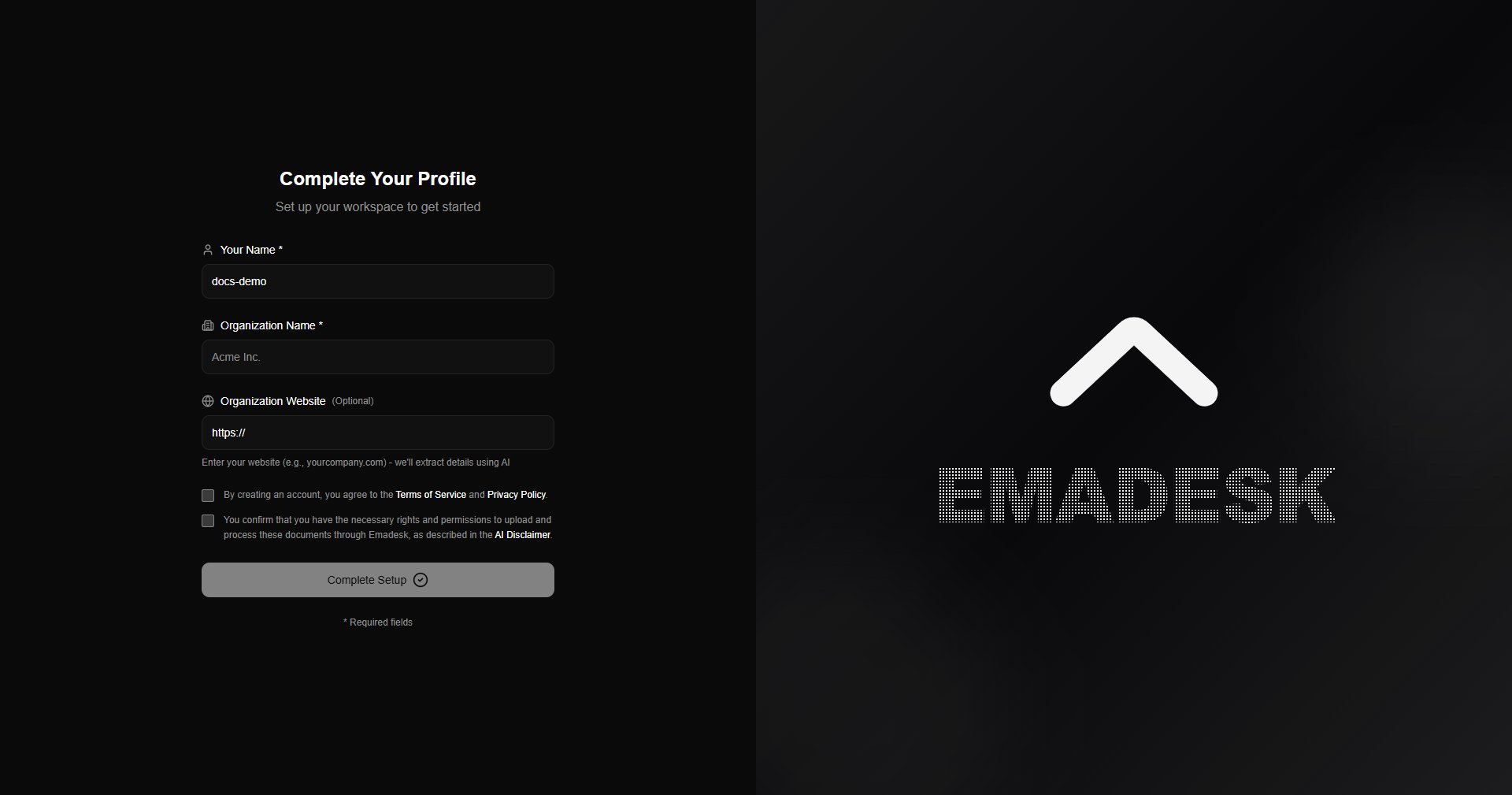
You must accept the Terms of Service and Privacy Policy, and confirm you have the rights to the content you upload, before continuing.
Meet your agent
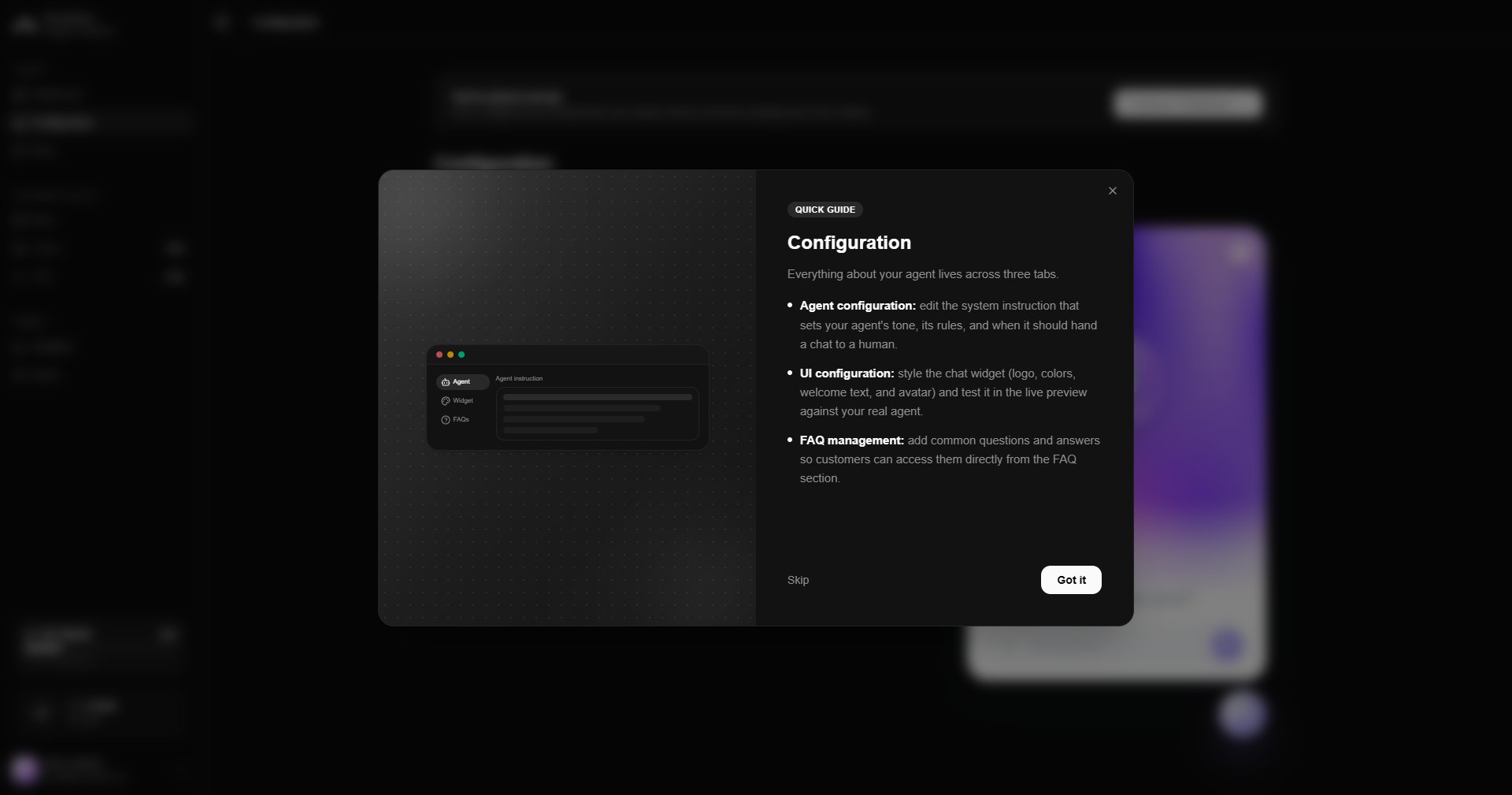
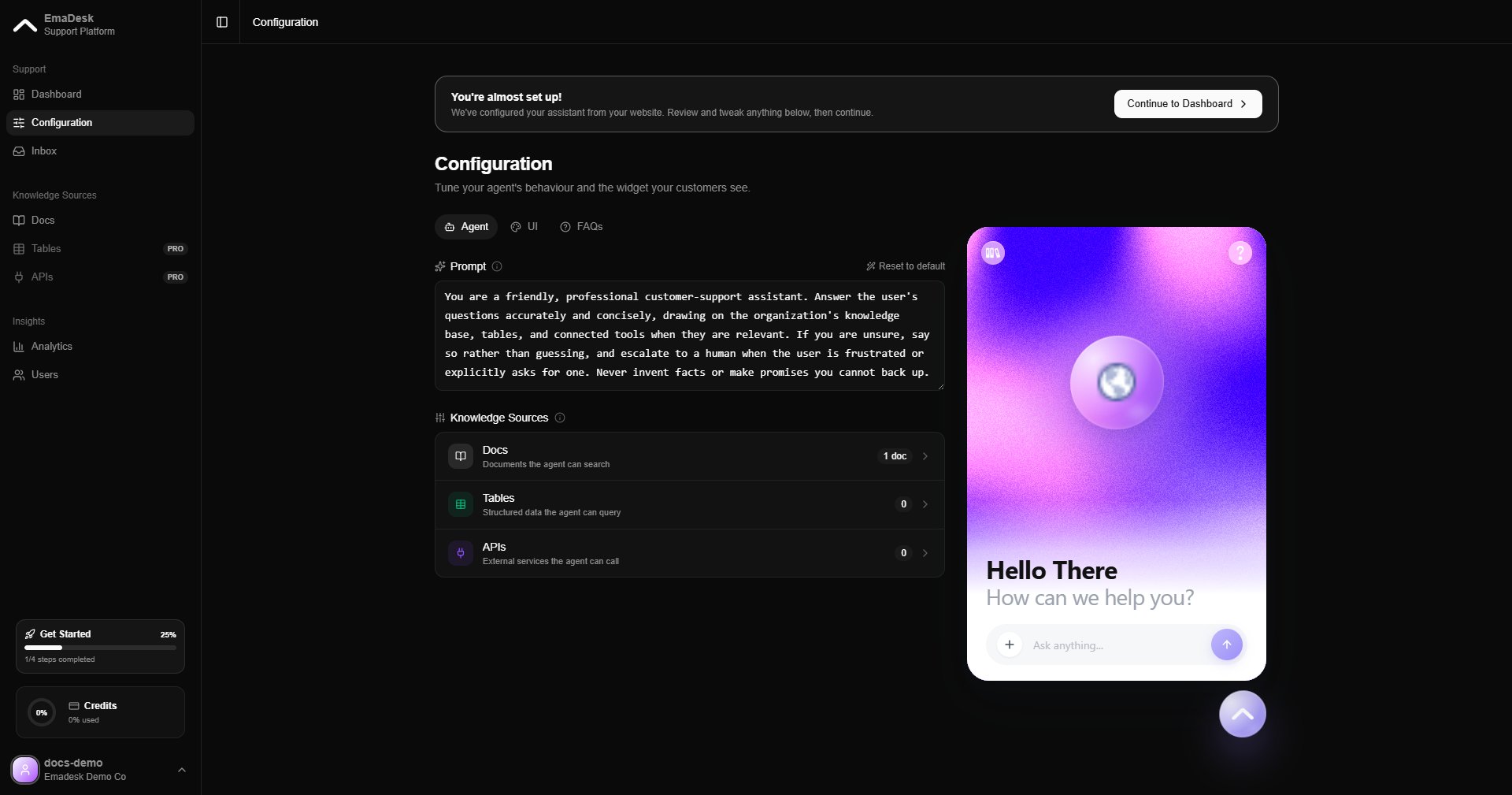
After setup, a quick guide walks you through each part of the product. You can replay it any time.