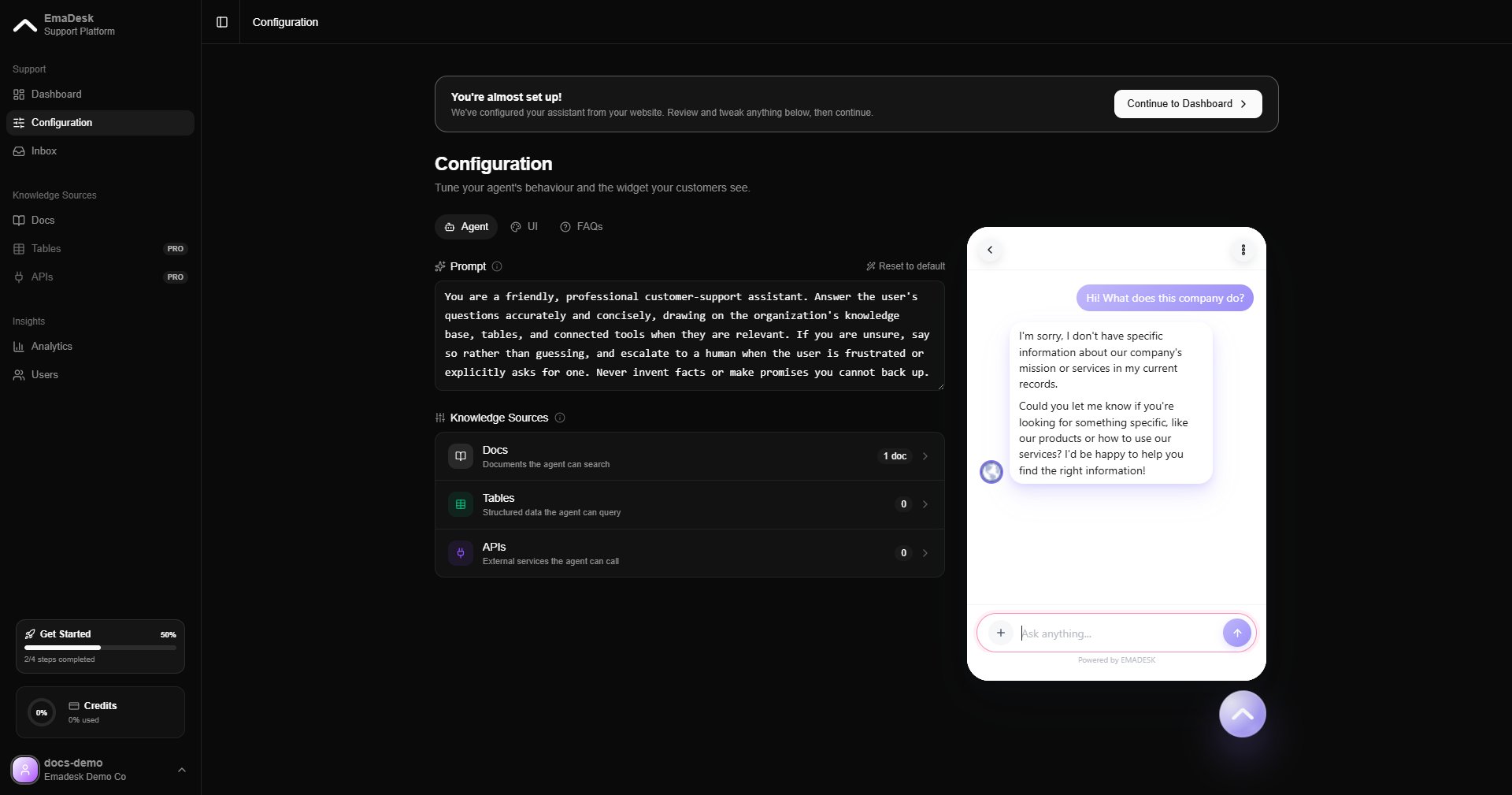
Your agent is the heart of EmaDesk. It answers customer questions using everything you have given it: your knowledge base, your tables, and your API tools. You can try it in the live preview on the Configuration page before it goes live.
Agent answering in the live preview

How it answers

On every message, the agent decides how best to respond:

From knowledge

Retrieves the most relevant passages from your docs and answers with sources.

From tables

Looks up a matching row, for example an order by its ID, and uses it in the reply.

From APIs

Calls one of your connected endpoints to fetch live data or take an action.

Look up structured data

When a question maps to a table, the agent queries it and answers from the row it finds.
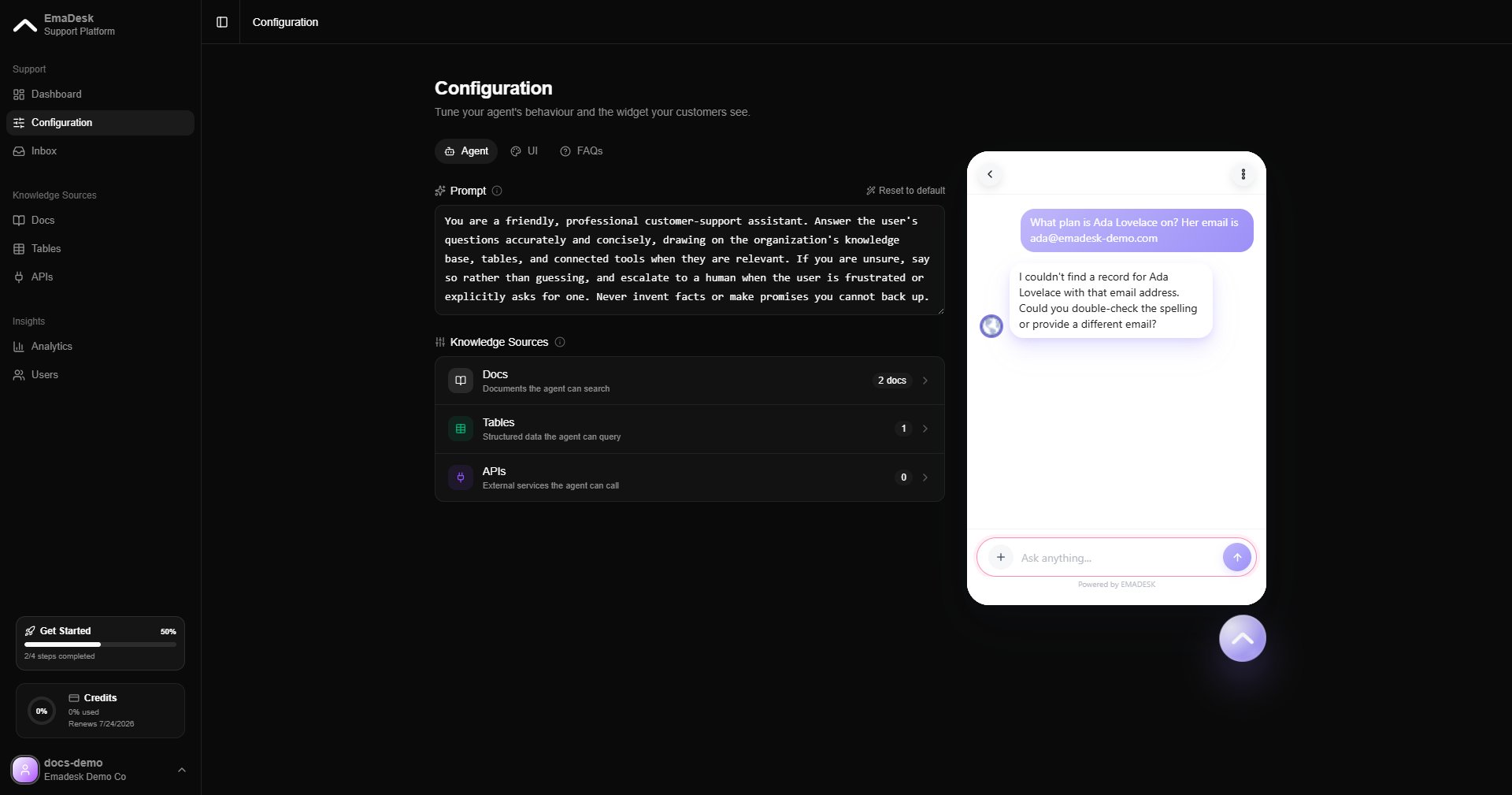
Agent answering from a table lookup

Combine sources

The agent can combine knowledge and data in a single answer, drawing on documents and a table lookup together.
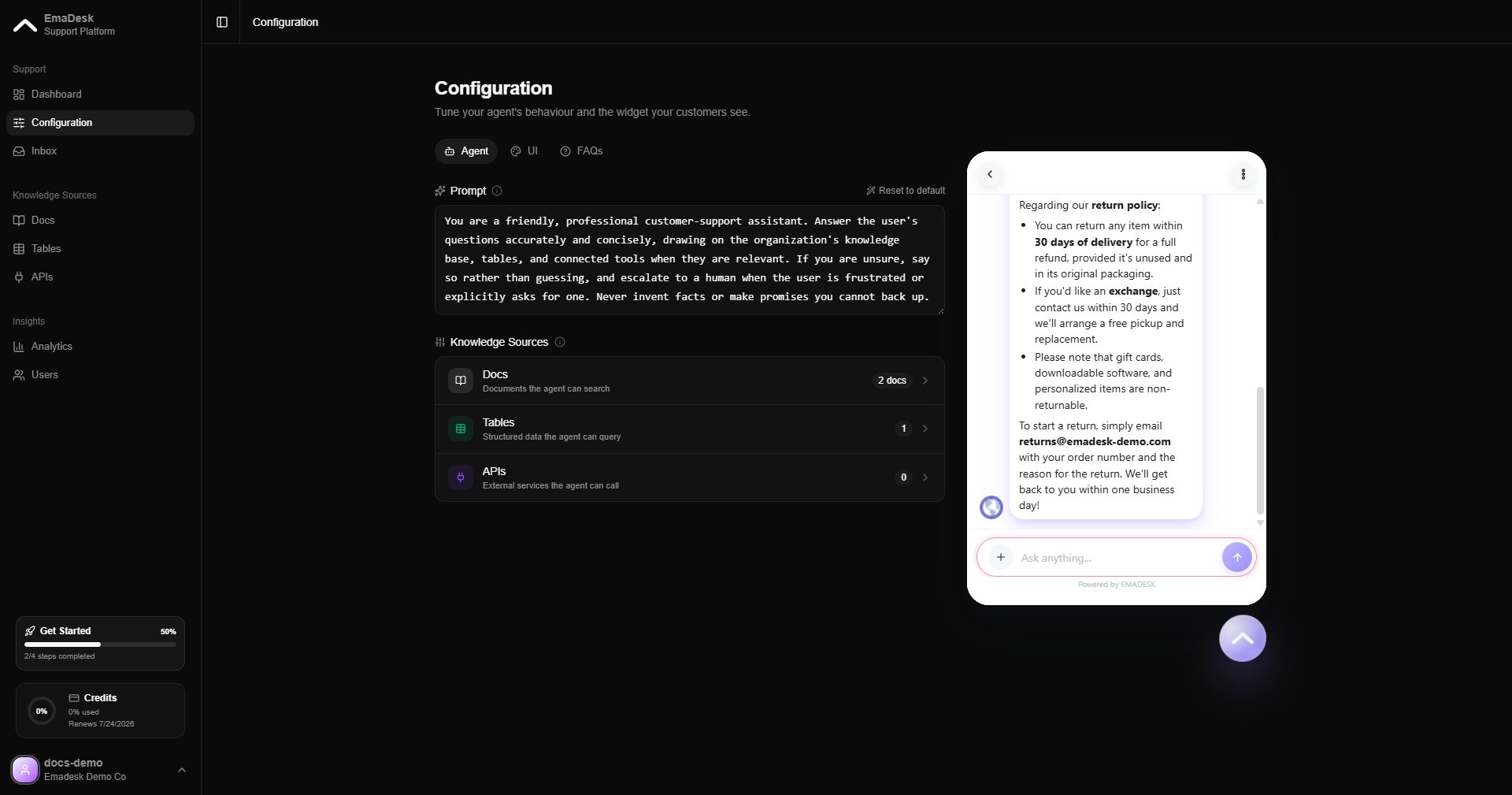
Agent combining knowledge and table lookup

Handing off to a human

When a conversation needs a person, the agent offers to connect the visitor to your team. It never transfers silently. Once the visitor confirms, the chat is routed to your support team and appears in the Inbox.
Shape how the agent behaves, including when it escalates, from the Agent tab in Configuration.