

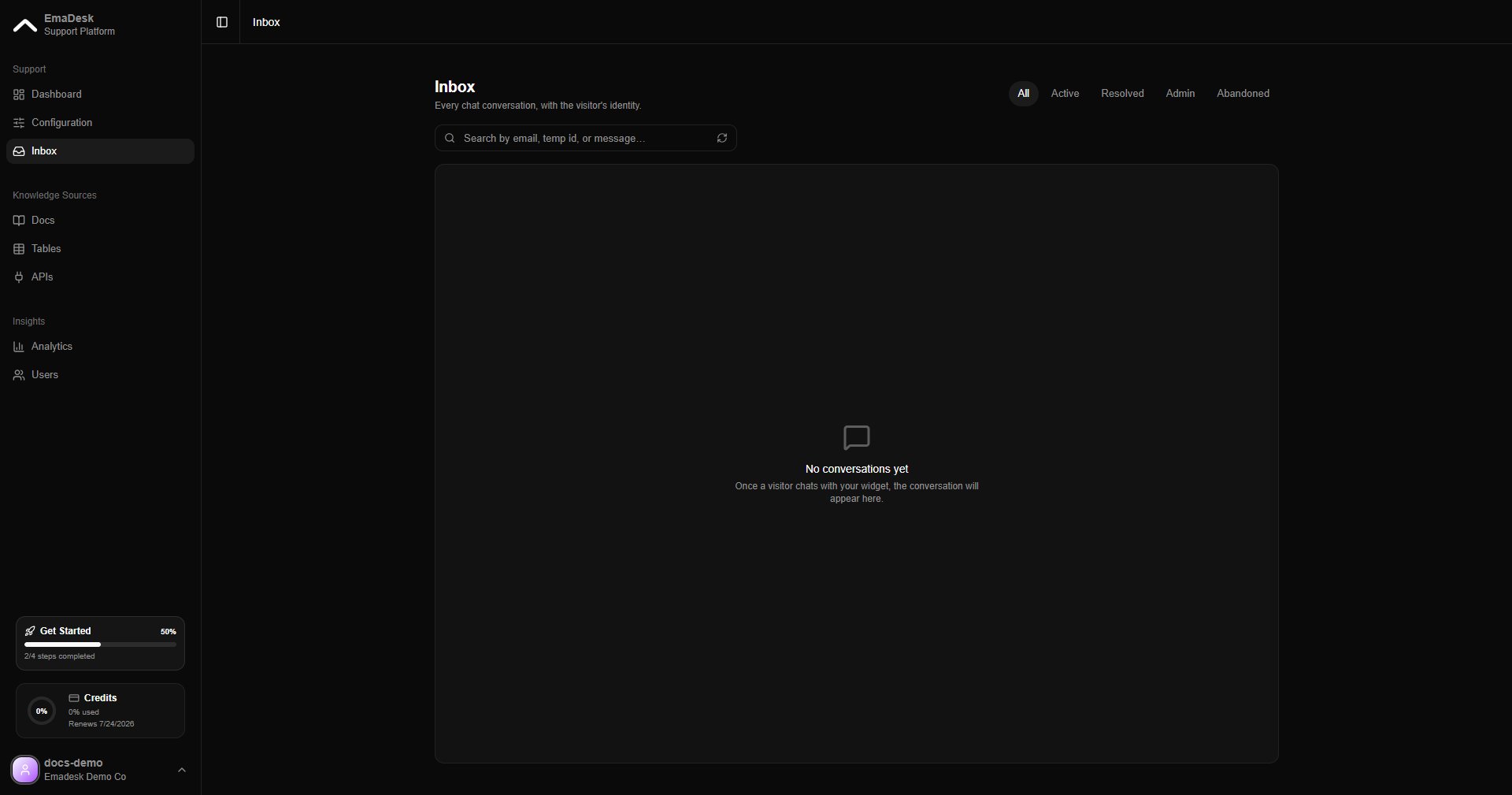
Filter conversations
Use the tabs to focus the list:- All — every conversation
- Active — chats still in progress
- Resolved — conversations closed successfully
- Admin — chats a teammate owns or has replied to
- Abandoned — chats the visitor left without finishing (inactive for 7 days)
Take ownership
When a chat needs a human, click Take ownership to step in. The agent pauses while you are in control, and the conversation shows the owner’s name so the team knows who is handling it. Reply directly to the customer, then hand it back whenever you are done.Transferred chats are distributed automatically to the support team, assigned to the member with the fewest open conversations. See Team and users.