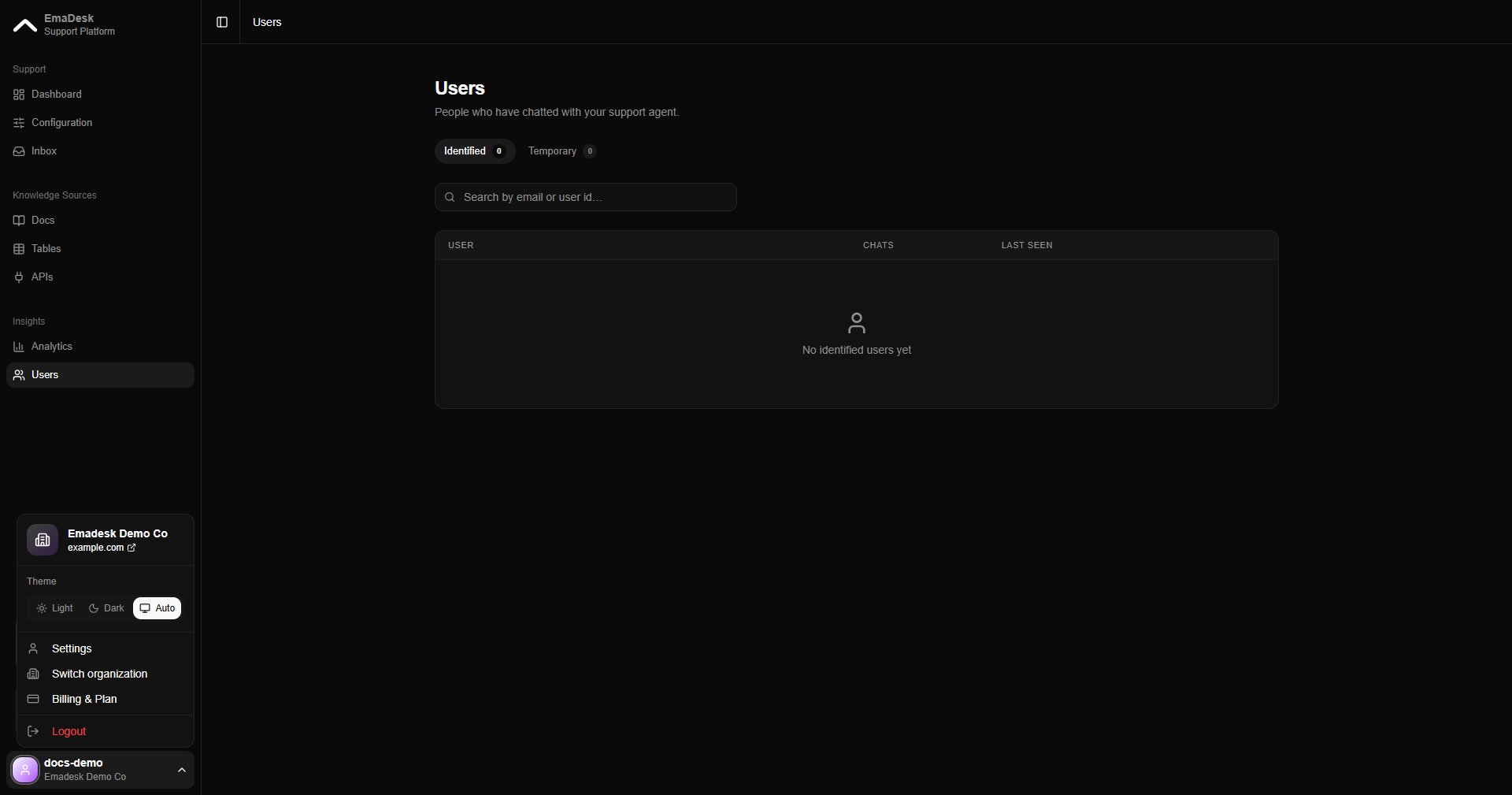
Profile
Update your personal details: photo, full name, and designation.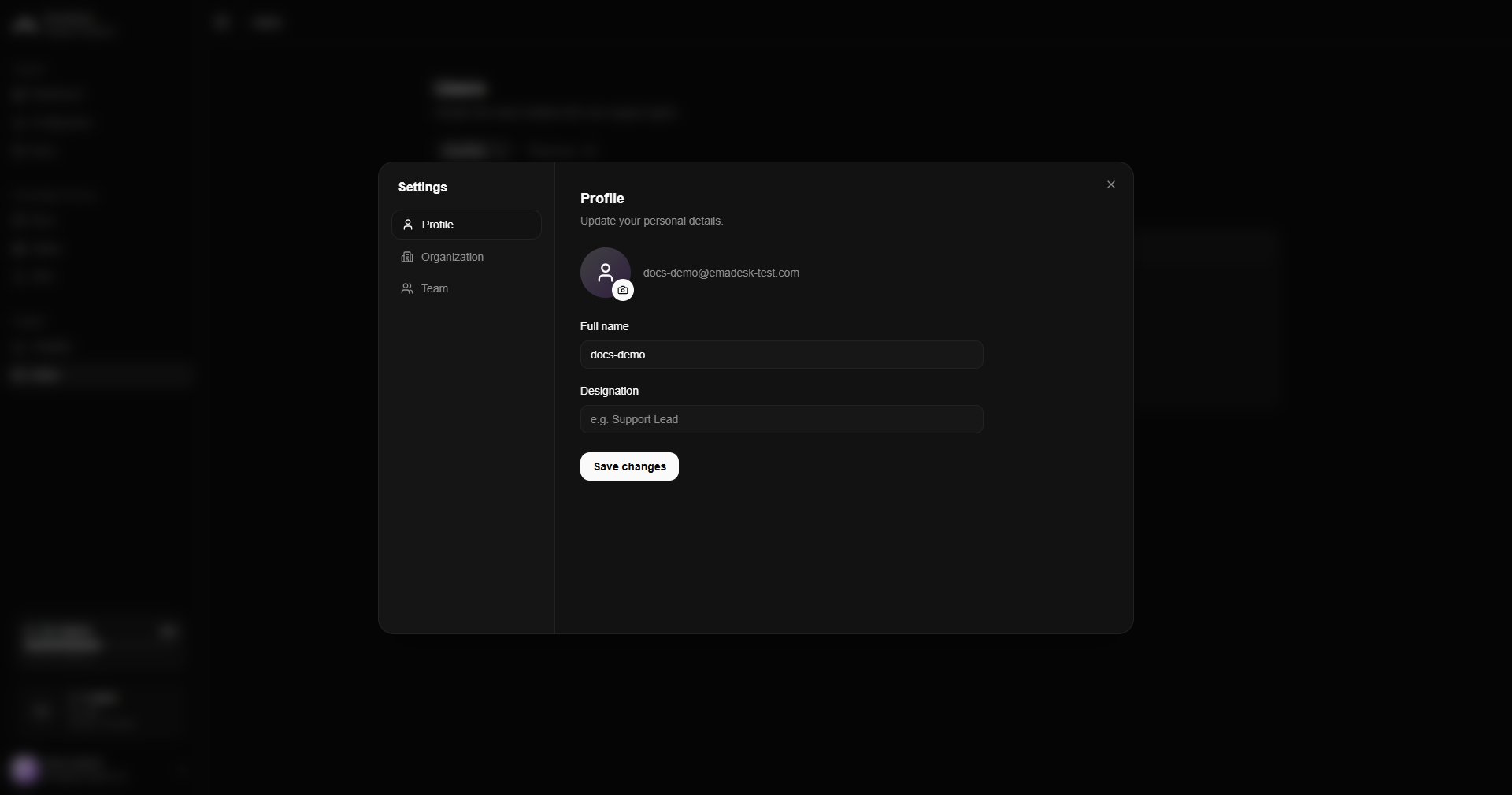
Organization
Manage your organization’s name, icon, and team size. This tab is editable by owners and admins; support-role members see it read-only.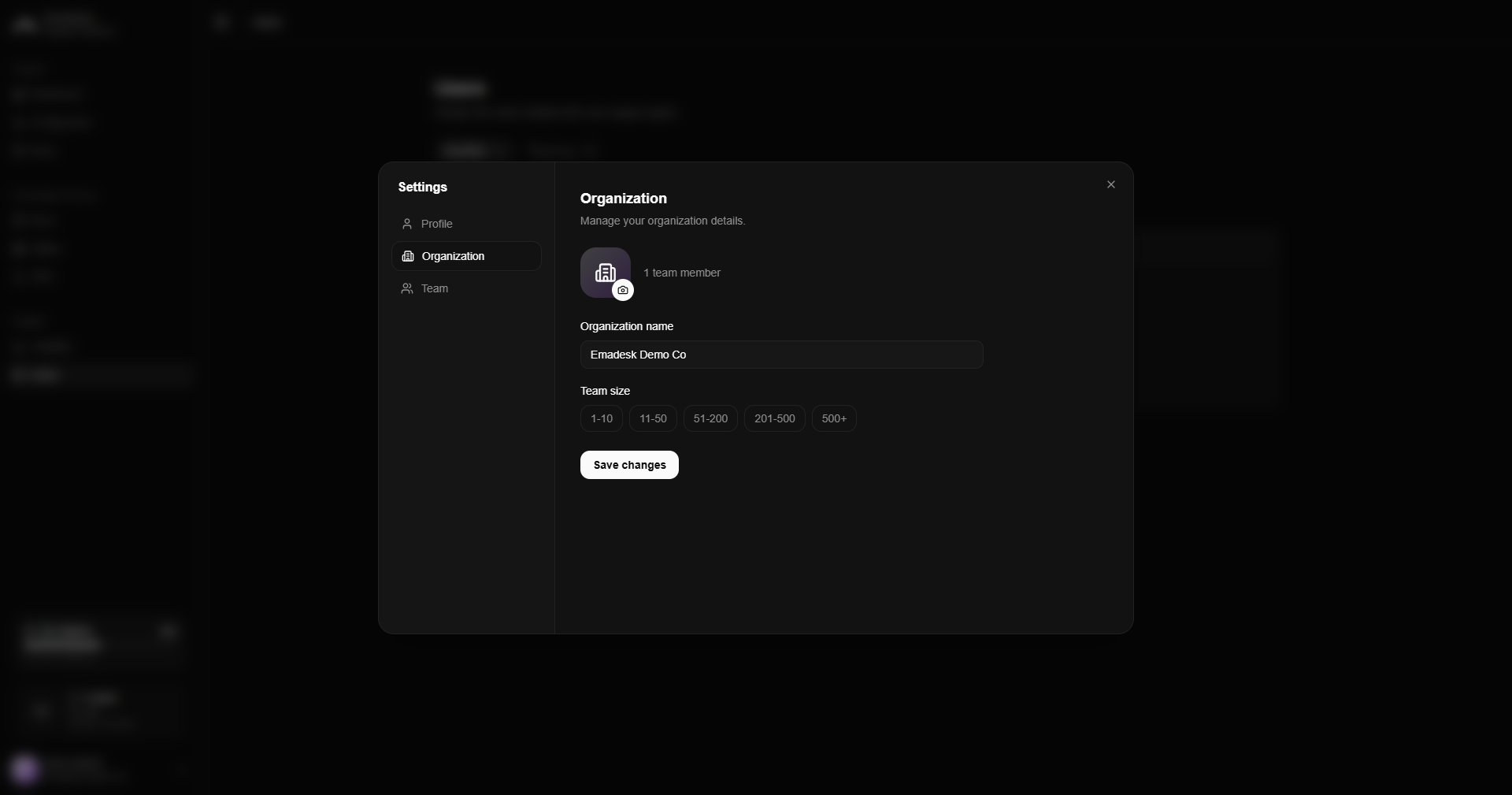
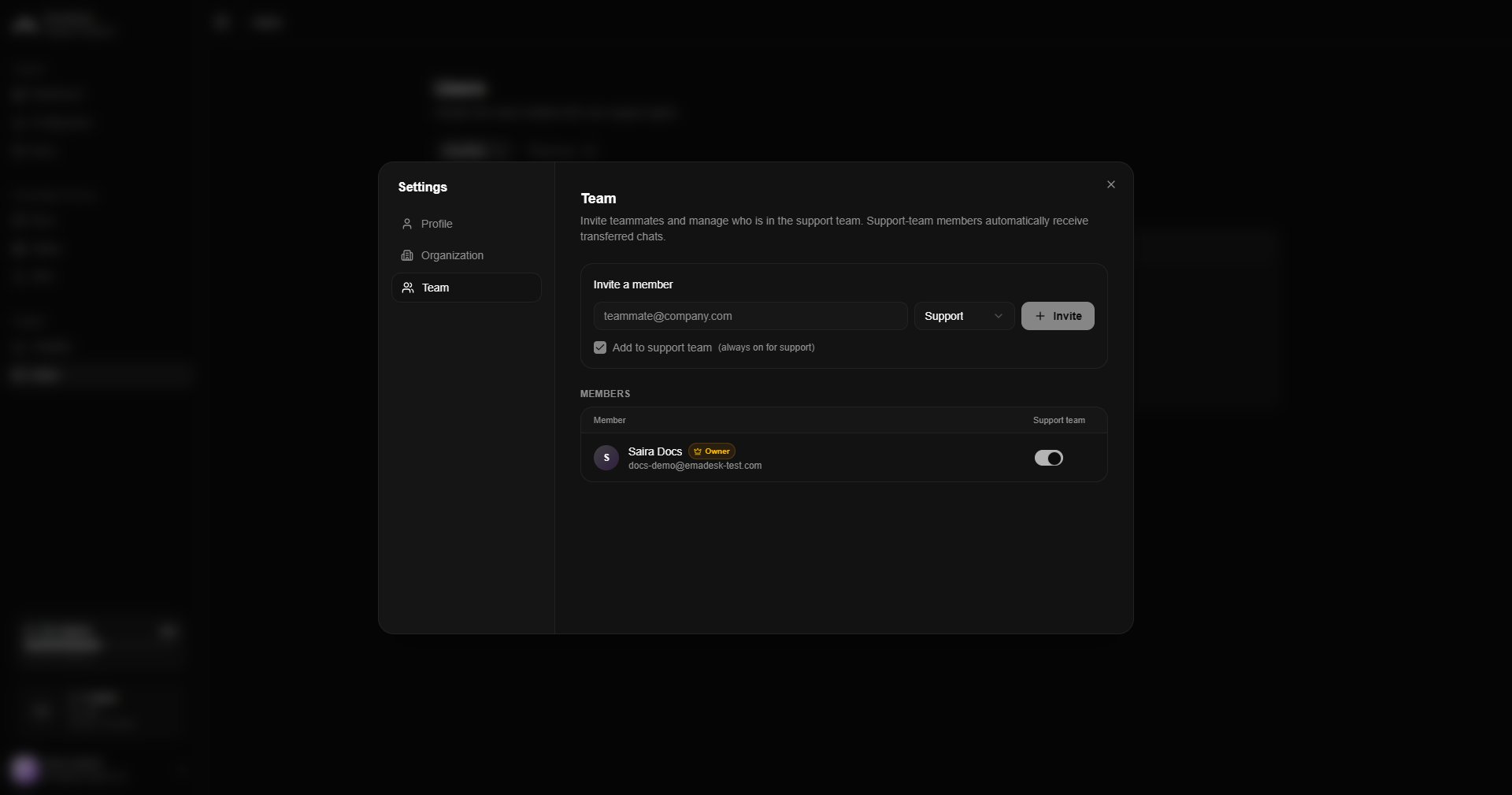
Team
Invite teammates, set their roles, and manage who is in the support team. See Team and users for the full details.