> ## Documentation Index
> Fetch the complete documentation index at: https://docs.emadesk.com/llms.txt
> Use this file to discover all available pages before exploring further.
# Tables
> Give your agent structured data it can look up and update during a chat.
Tables hold structured records such as customers, orders, or bookings. The agent can read from them, and update them, while it talks to a customer, so it can resolve requests without a human.
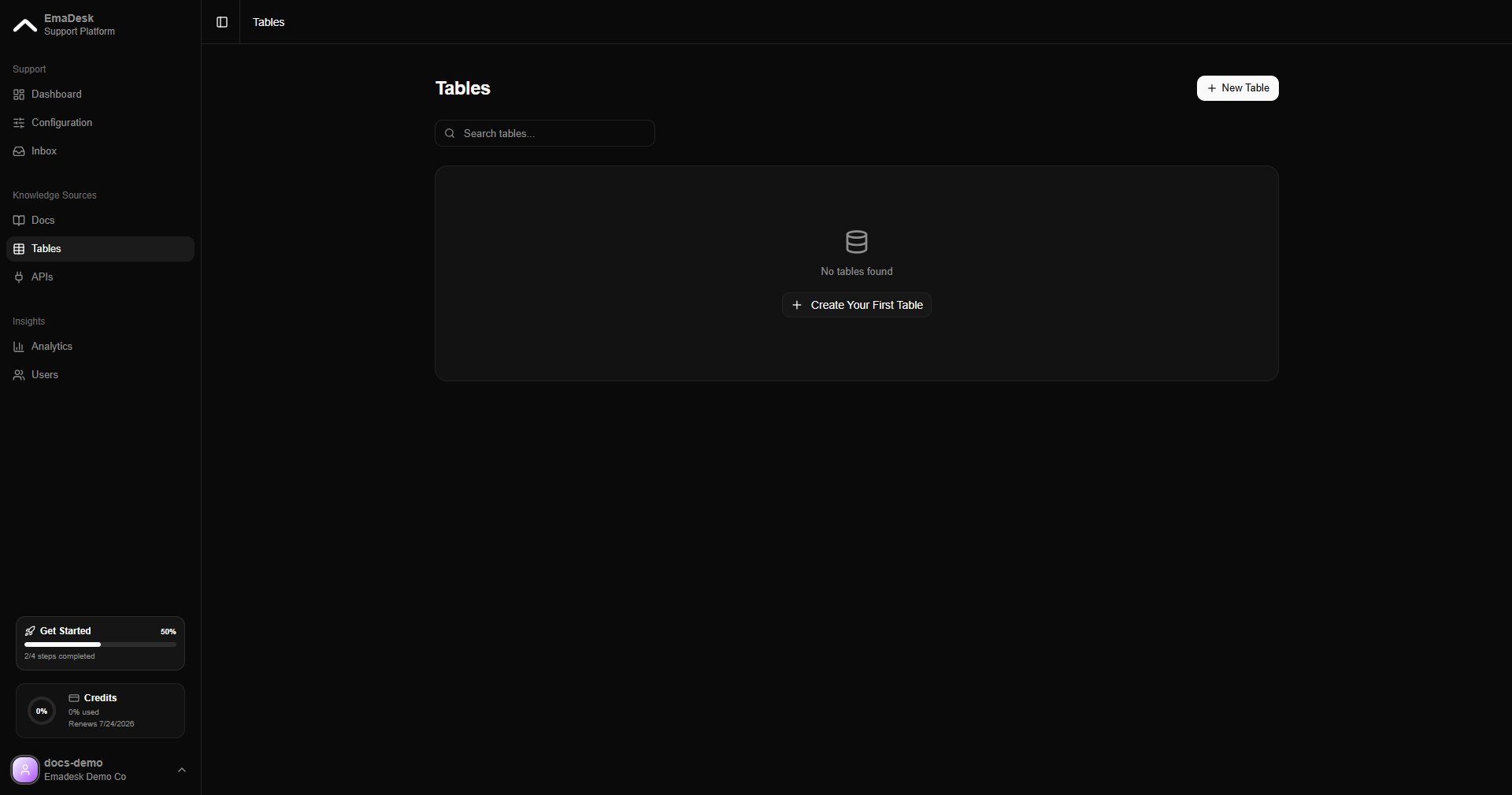 Tables are available on paid plans.
## Create a table
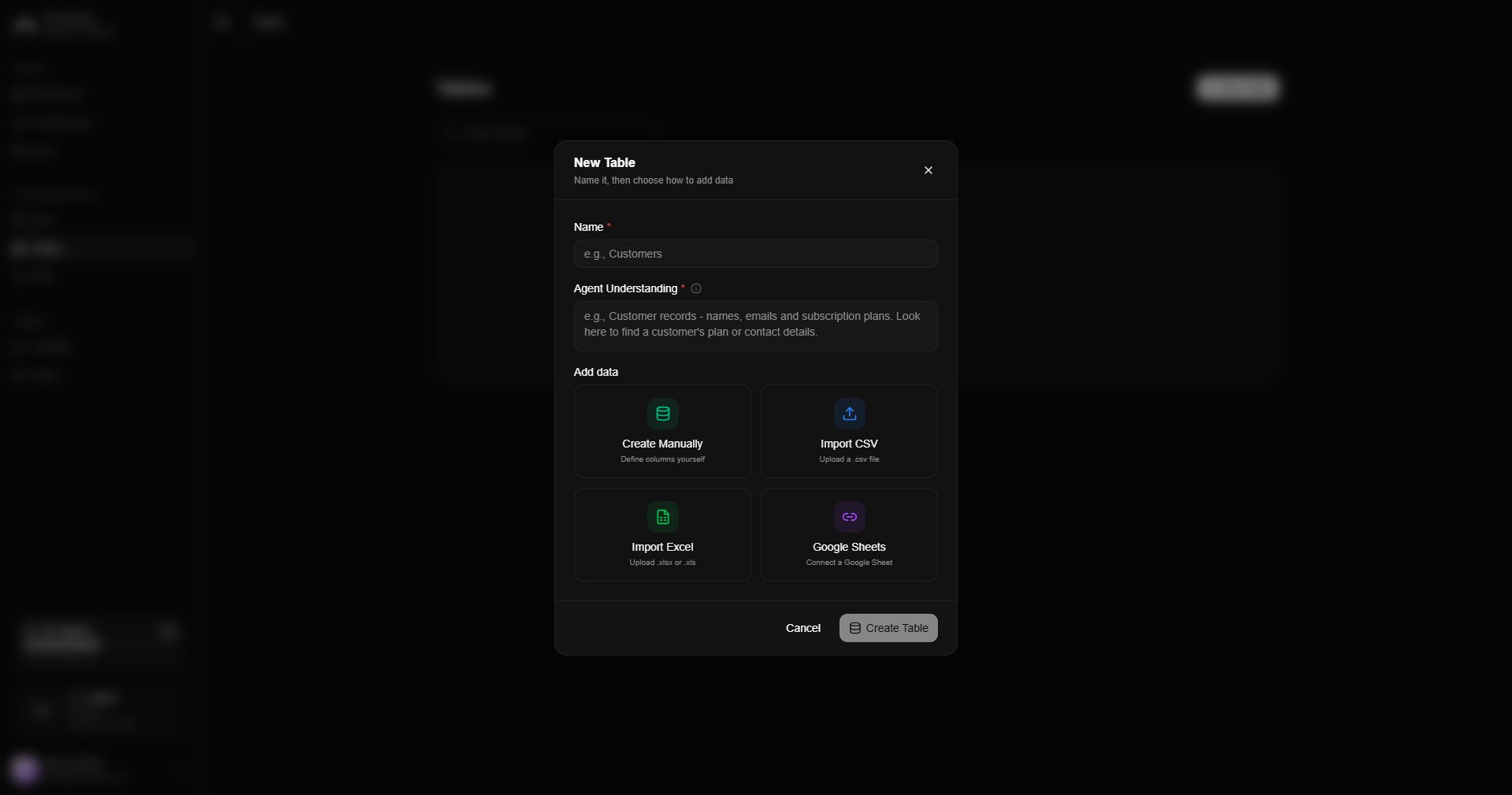
Click **New table** to define columns by hand, or import an existing **CSV**, **Excel**, or **Google Sheet**. The agent automatically gets lookup tools for any table you create.
Tables are available on paid plans.
## Create a table
Click **New table** to define columns by hand, or import an existing **CSV**, **Excel**, or **Google Sheet**. The agent automatically gets lookup tools for any table you create.
 ## Work with rows
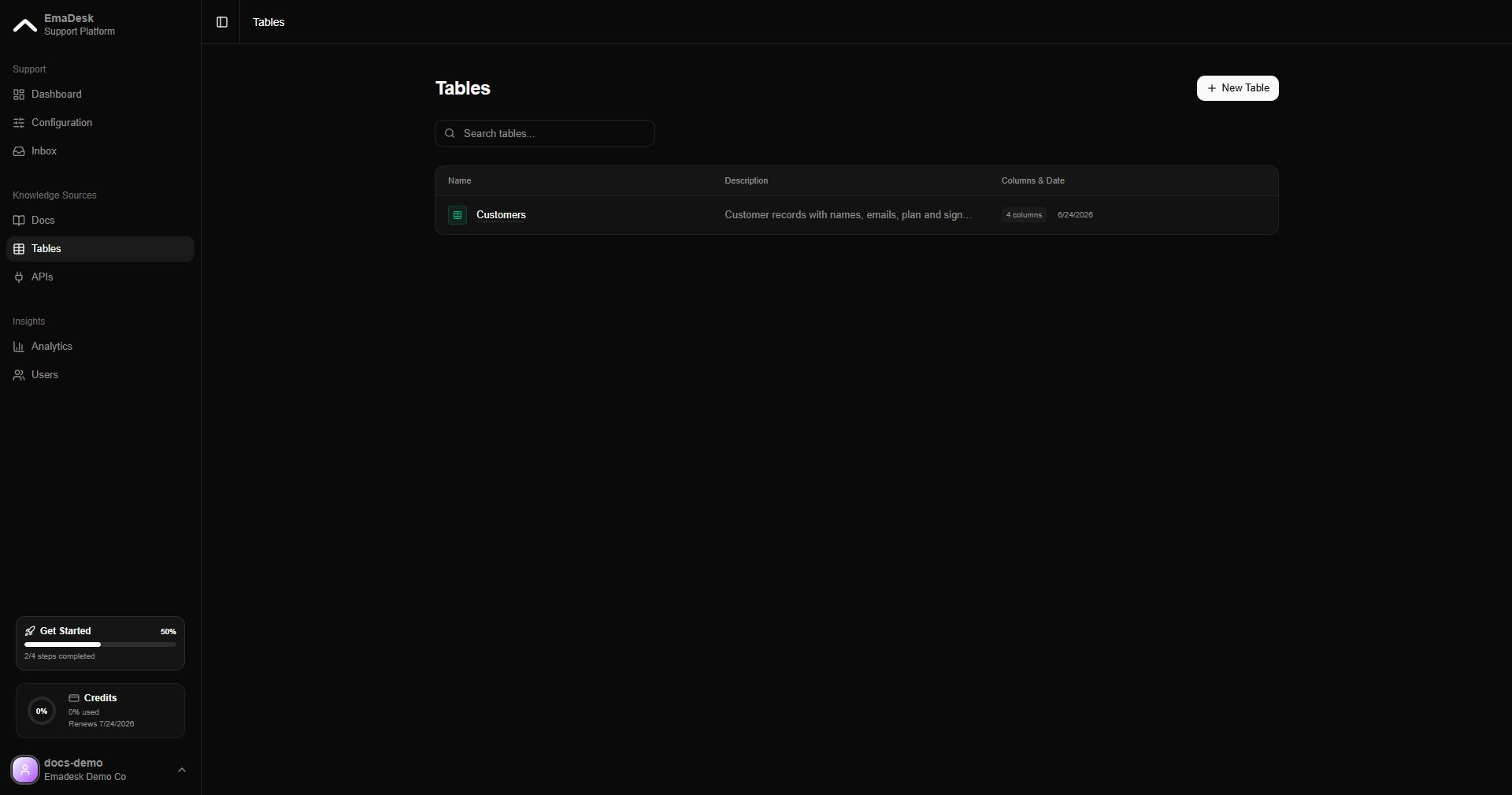
Each table lists its name, description, and column count. Open a table to view and edit its rows.
## Work with rows
Each table lists its name, description, and column count. Open a table to view and edit its rows.
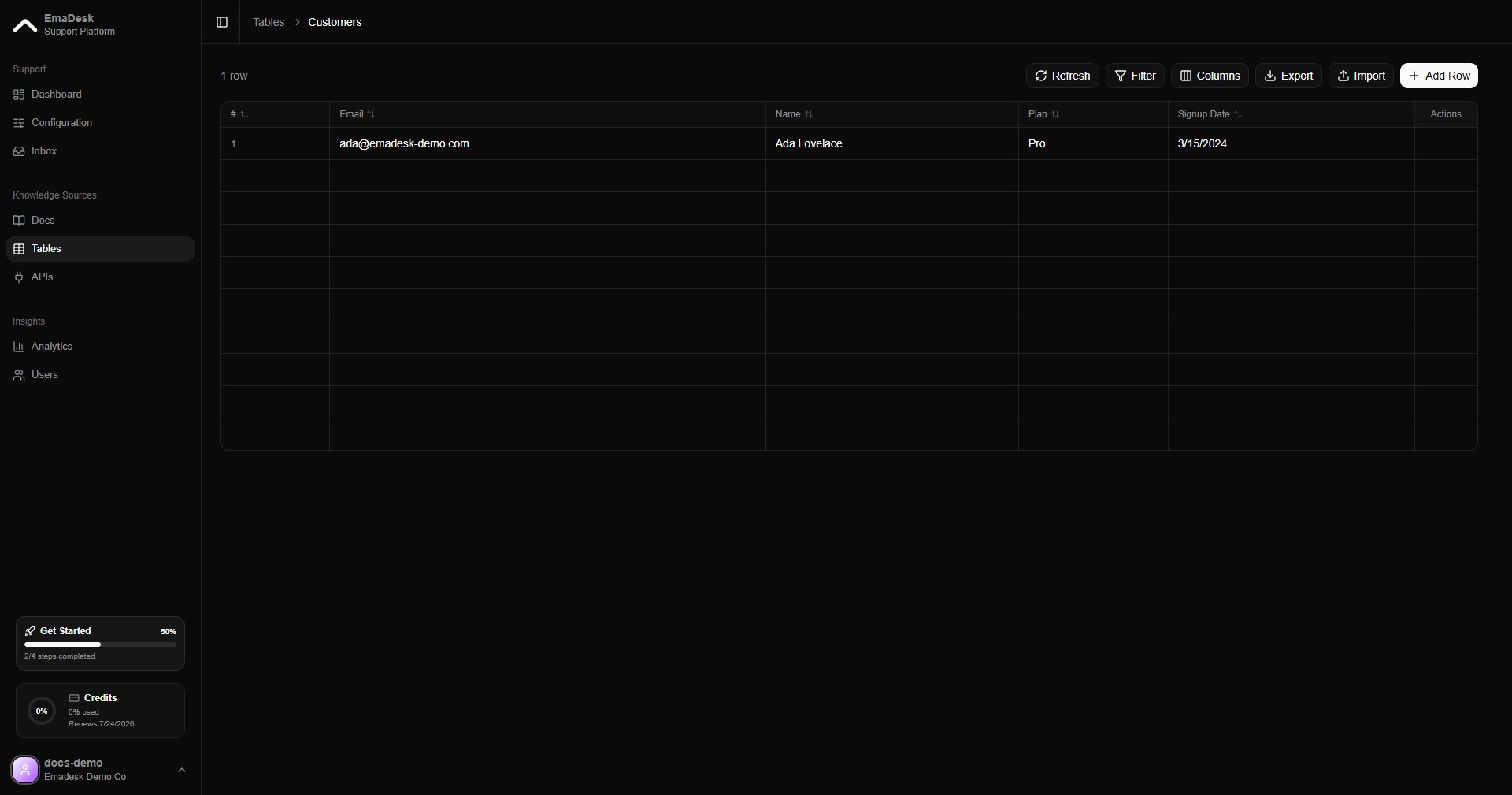 Once a table exists, the agent can answer questions like "What is the status of order 1234?" by looking up the matching row.