> ## Documentation Index
> Fetch the complete documentation index at: https://docs.emadesk.com/llms.txt
> Use this file to discover all available pages before exploring further.
# Settings
> Manage your profile, your organization, and your team.
Open settings from the menu next to your name in the bottom-left of the sidebar.
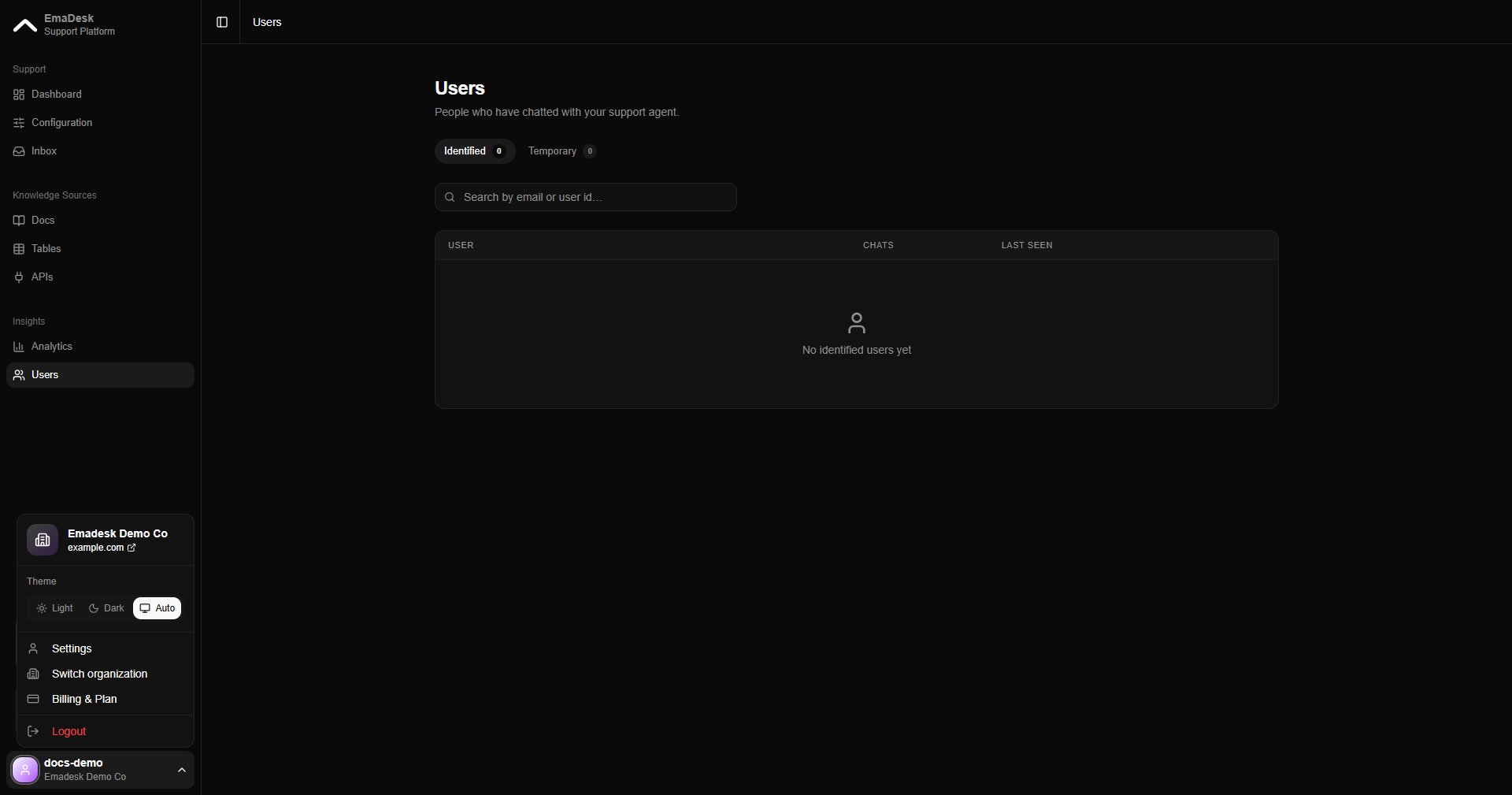 Settings is organized into three tabs.
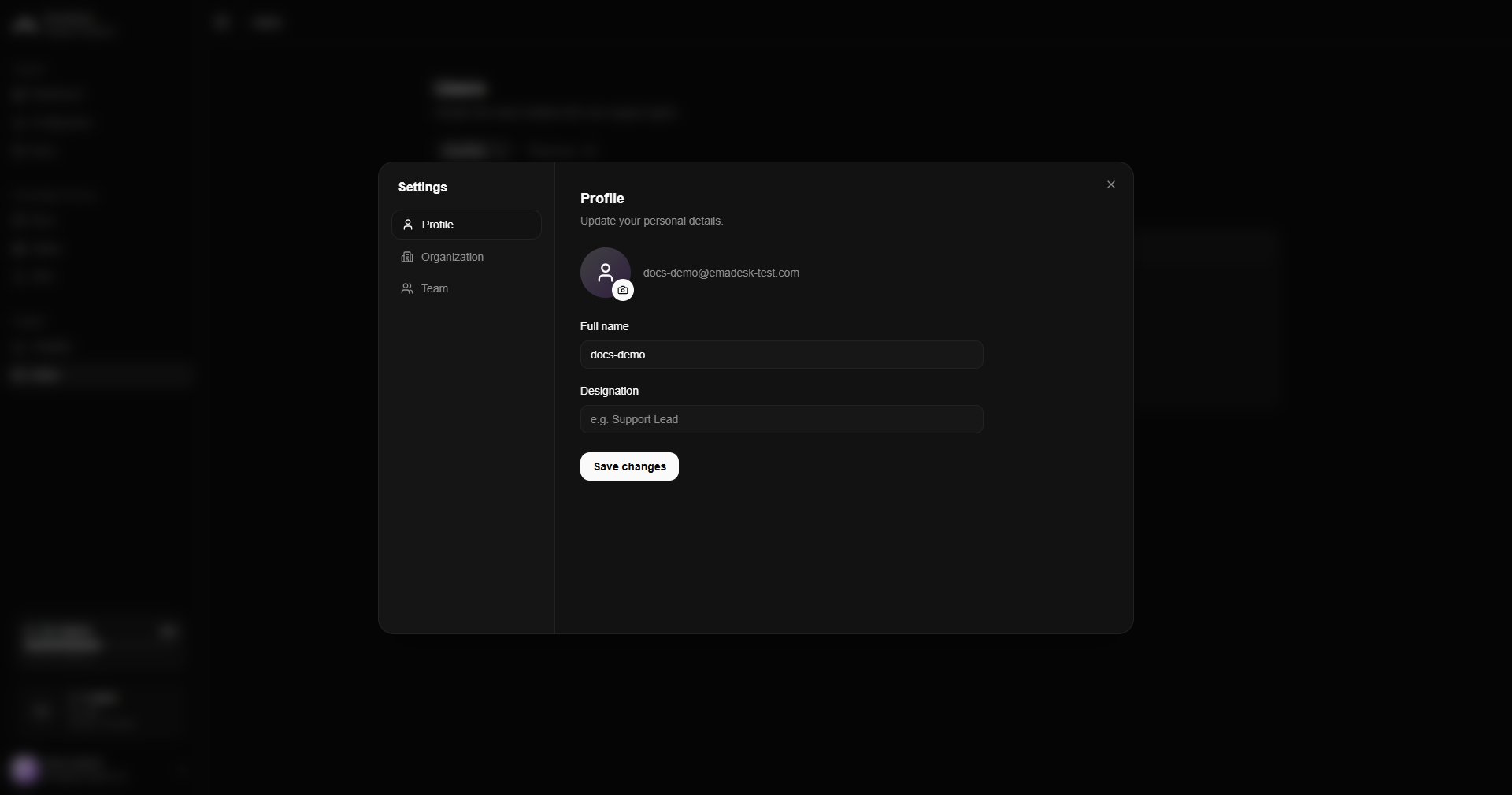
## Profile
Update your personal details: photo, full name, and designation.
Settings is organized into three tabs.
## Profile
Update your personal details: photo, full name, and designation.
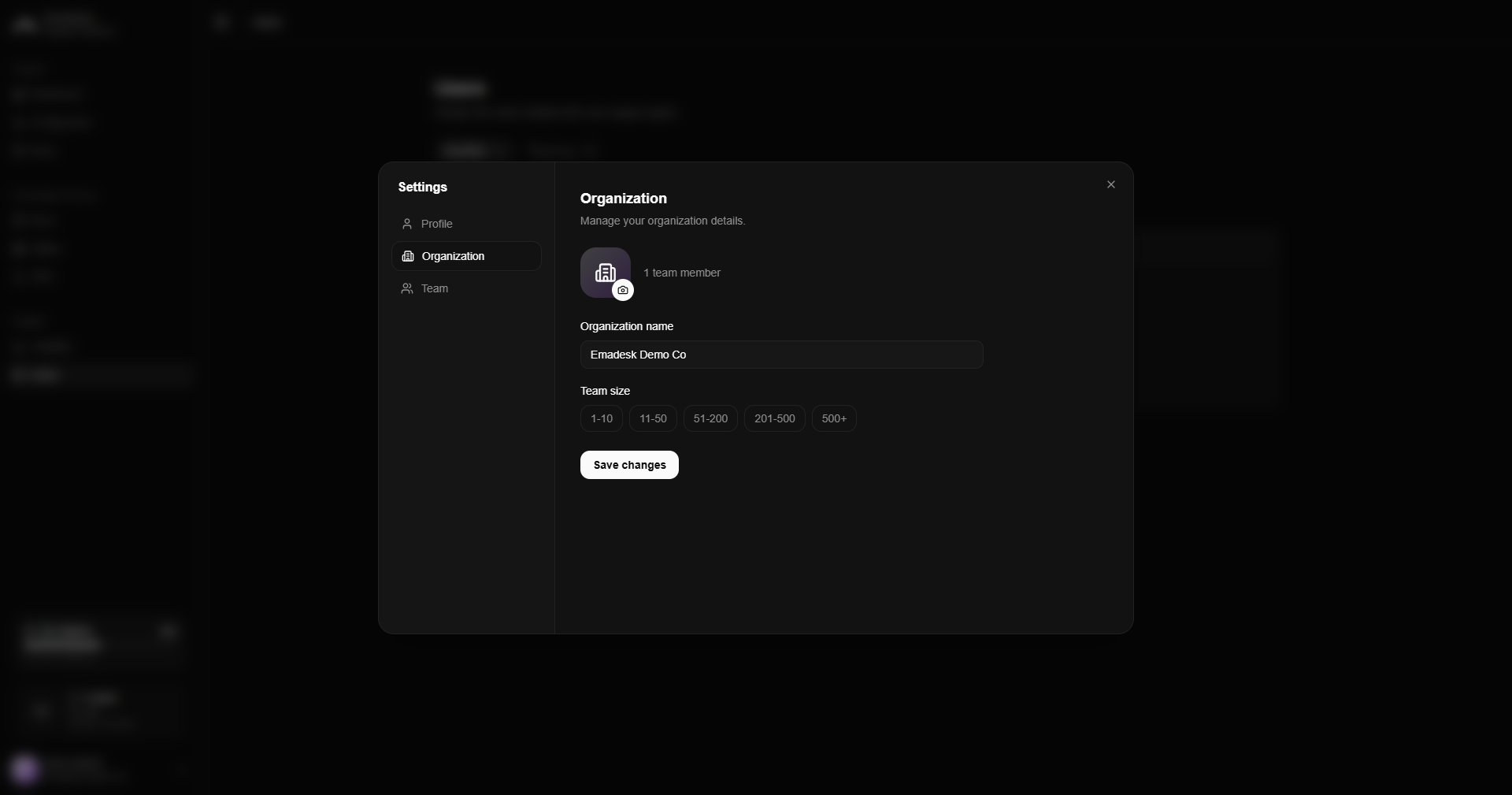
 ## Organization
Manage your organization's name, icon, and team size. This tab is editable by owners and admins; support-role members see it read-only.
## Organization
Manage your organization's name, icon, and team size. This tab is editable by owners and admins; support-role members see it read-only.
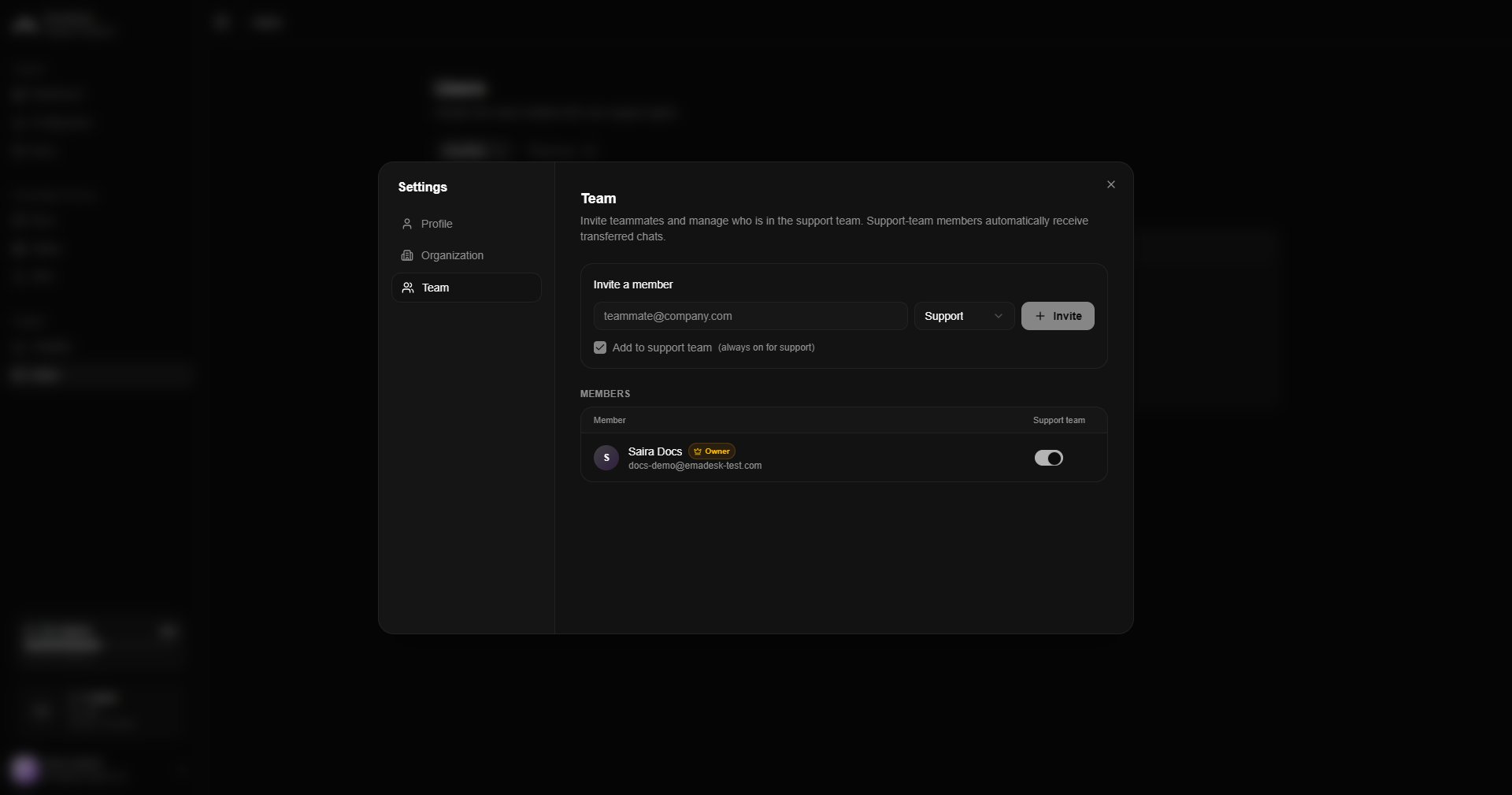
 ## Team
Invite teammates, set their roles, and manage who is in the support team. See [Team and users](/team-and-users) for the full details.
## Team
Invite teammates, set their roles, and manage who is in the support team. See [Team and users](/team-and-users) for the full details.