> ## Documentation Index
> Fetch the complete documentation index at: https://docs.emadesk.com/llms.txt
> Use this file to discover all available pages before exploring further.
# Sign up and onboarding
> Create your account, set up your organization, and meet your new agent.
Onboarding takes about a minute. By the end you have an organization and an agent ready to configure.
## Sign in
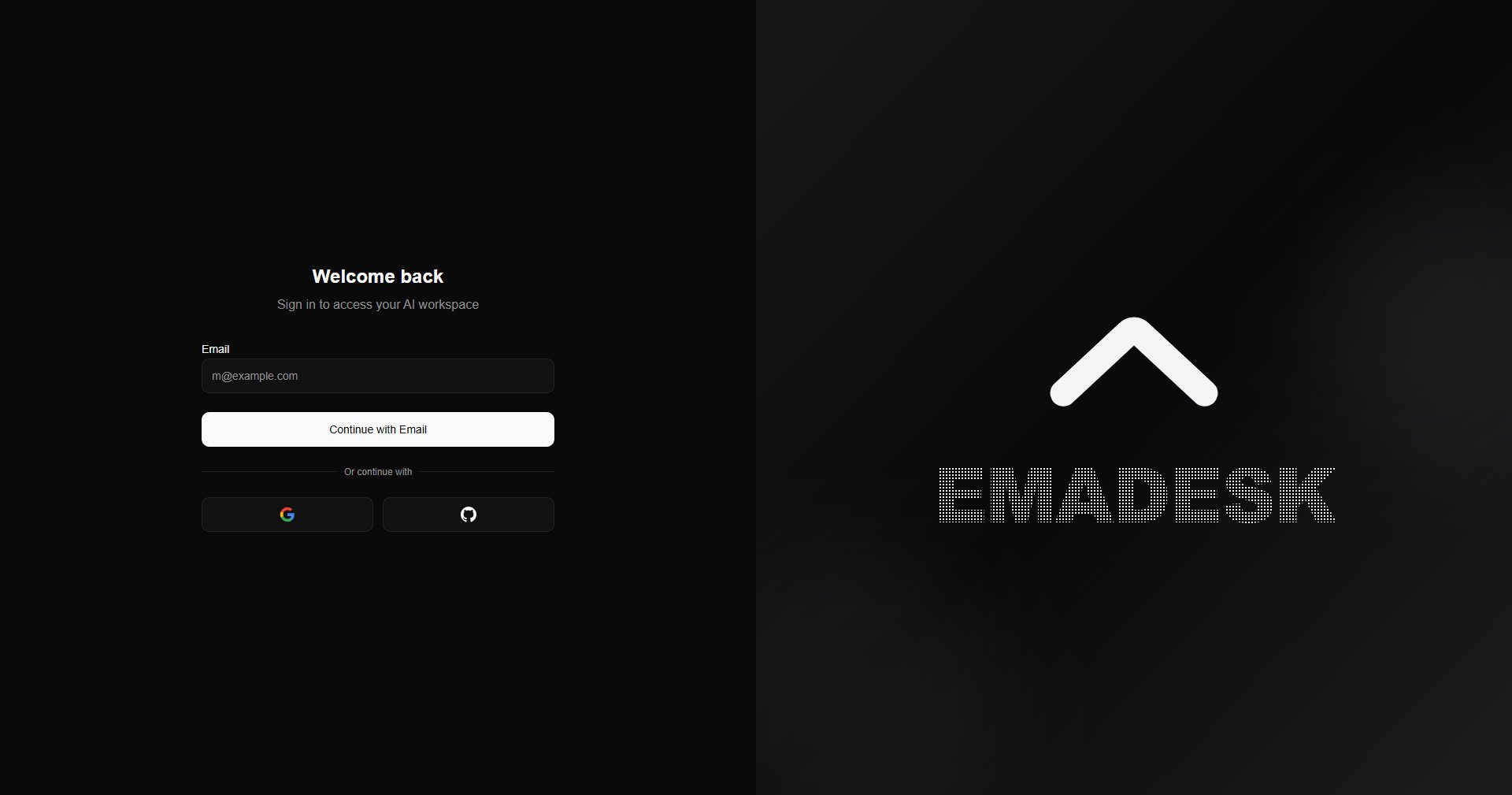
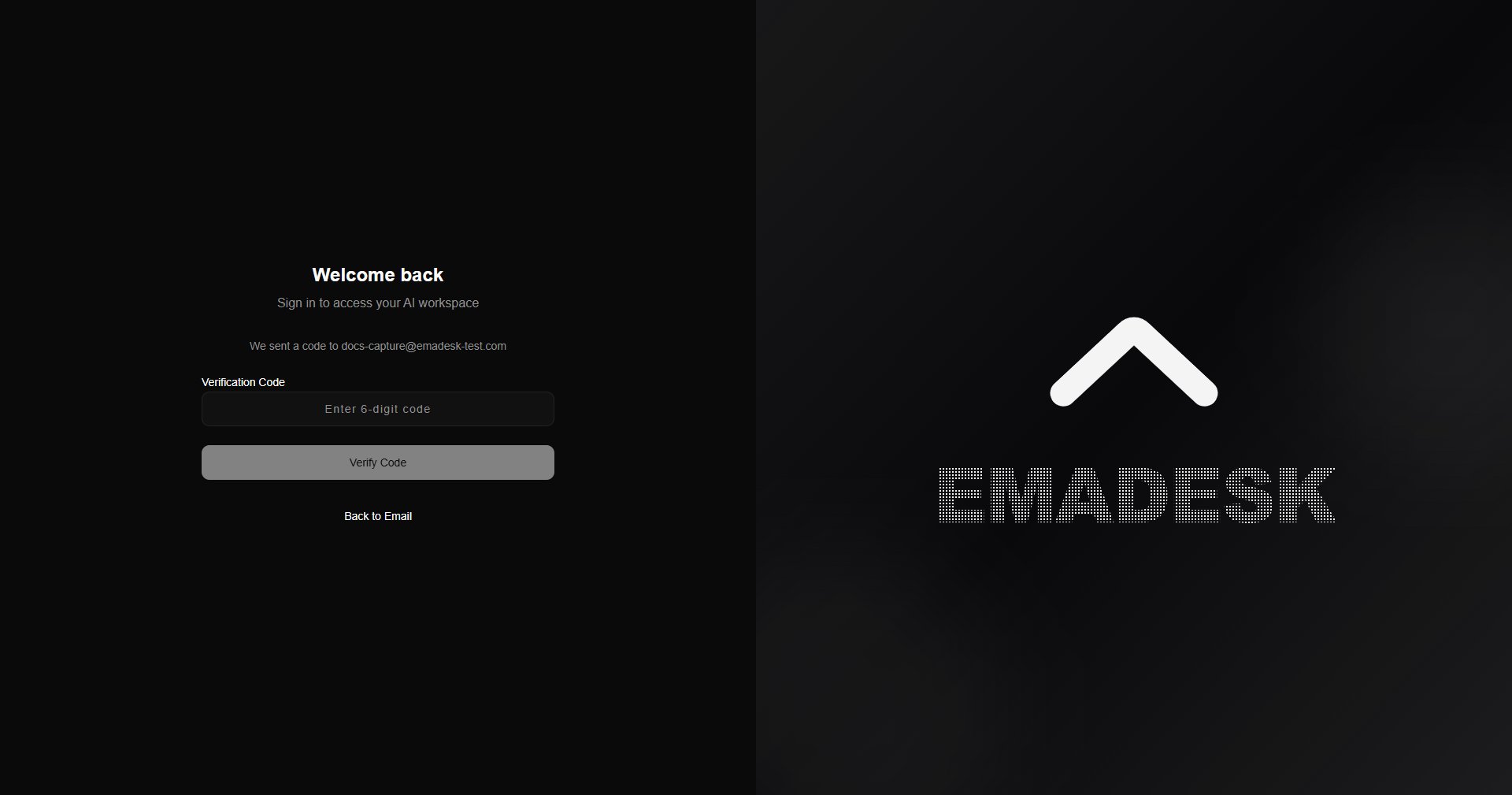
Open EmaDesk and sign in with your email, Google, or GitHub. When you use email, we send a one-time passcode to confirm it is you.
 ## Complete your profile
Tell us who you are and name your organization. If you add your website, EmaDesk extracts details such as your logo automatically.
## Complete your profile
Tell us who you are and name your organization. If you add your website, EmaDesk extracts details such as your logo automatically.
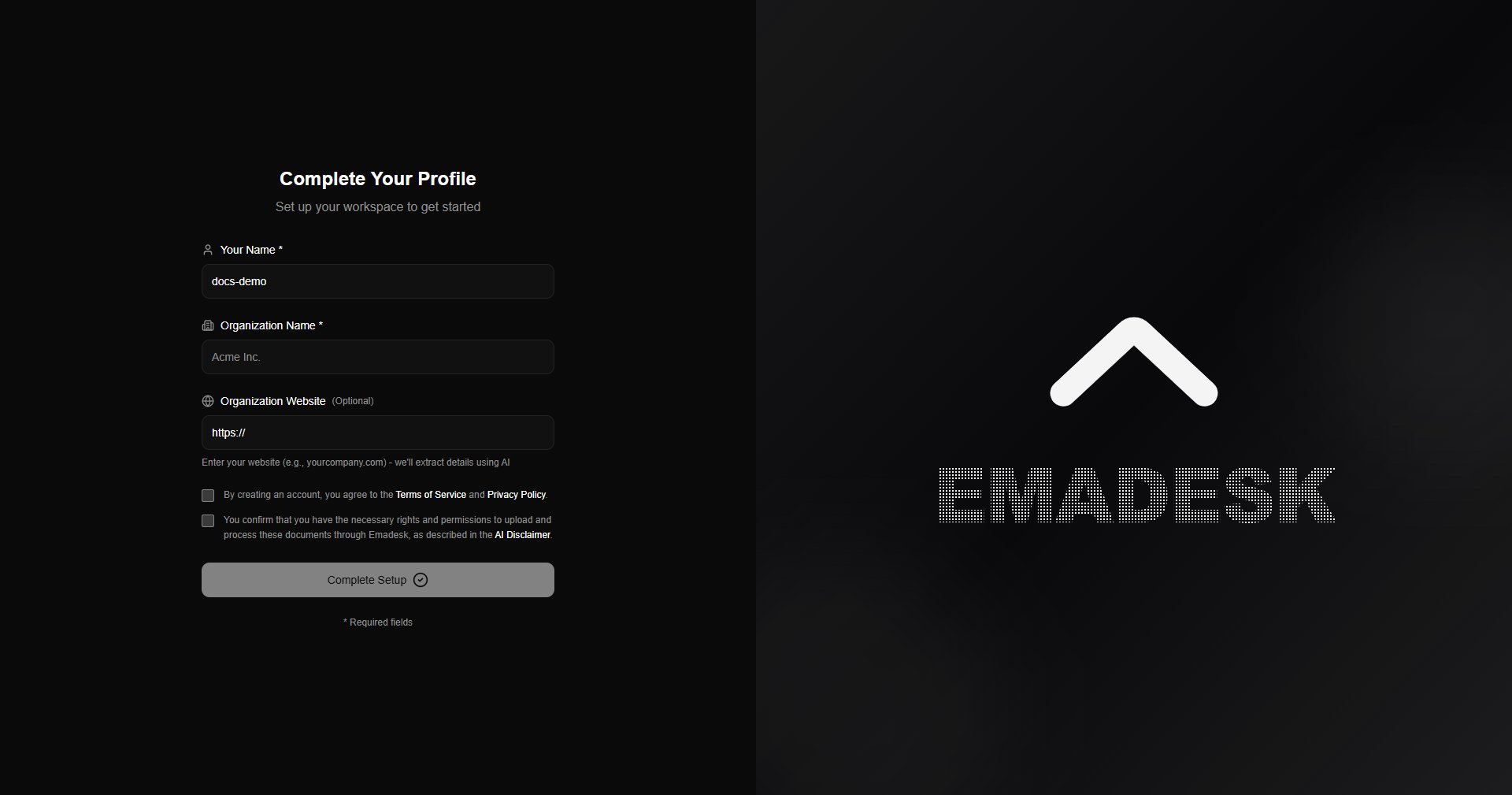 You must accept the Terms of Service and Privacy Policy, and confirm you have the rights to the content you upload, before continuing.
## Meet your agent
After setup, a quick guide walks you through each part of the product. You can replay it any time.
You must accept the Terms of Service and Privacy Policy, and confirm you have the rights to the content you upload, before continuing.
## Meet your agent
After setup, a quick guide walks you through each part of the product. You can replay it any time.
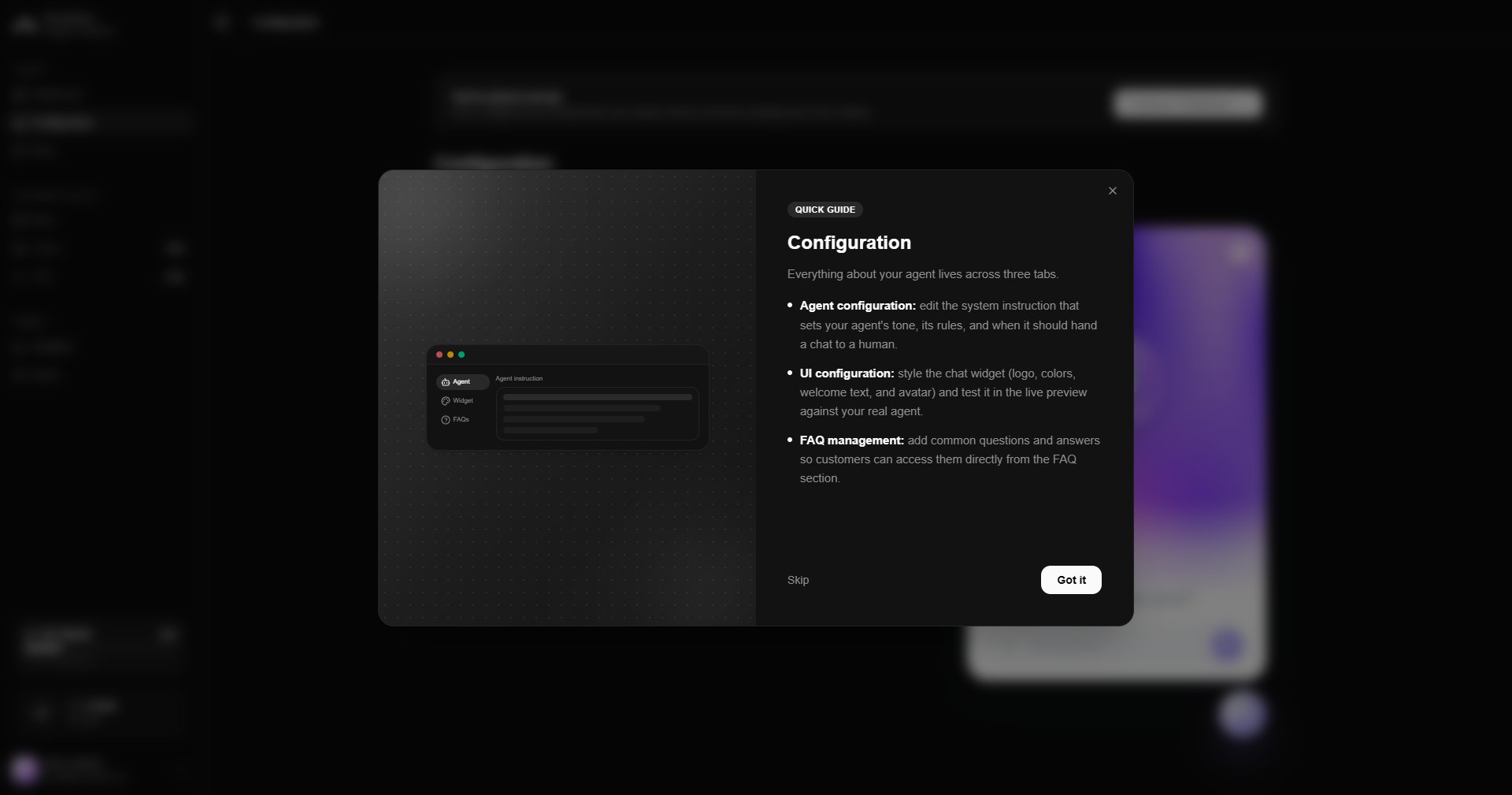 Your agent is created automatically with a sensible default instruction, so it can answer right away. From here you can open **Configuration** to tailor it.
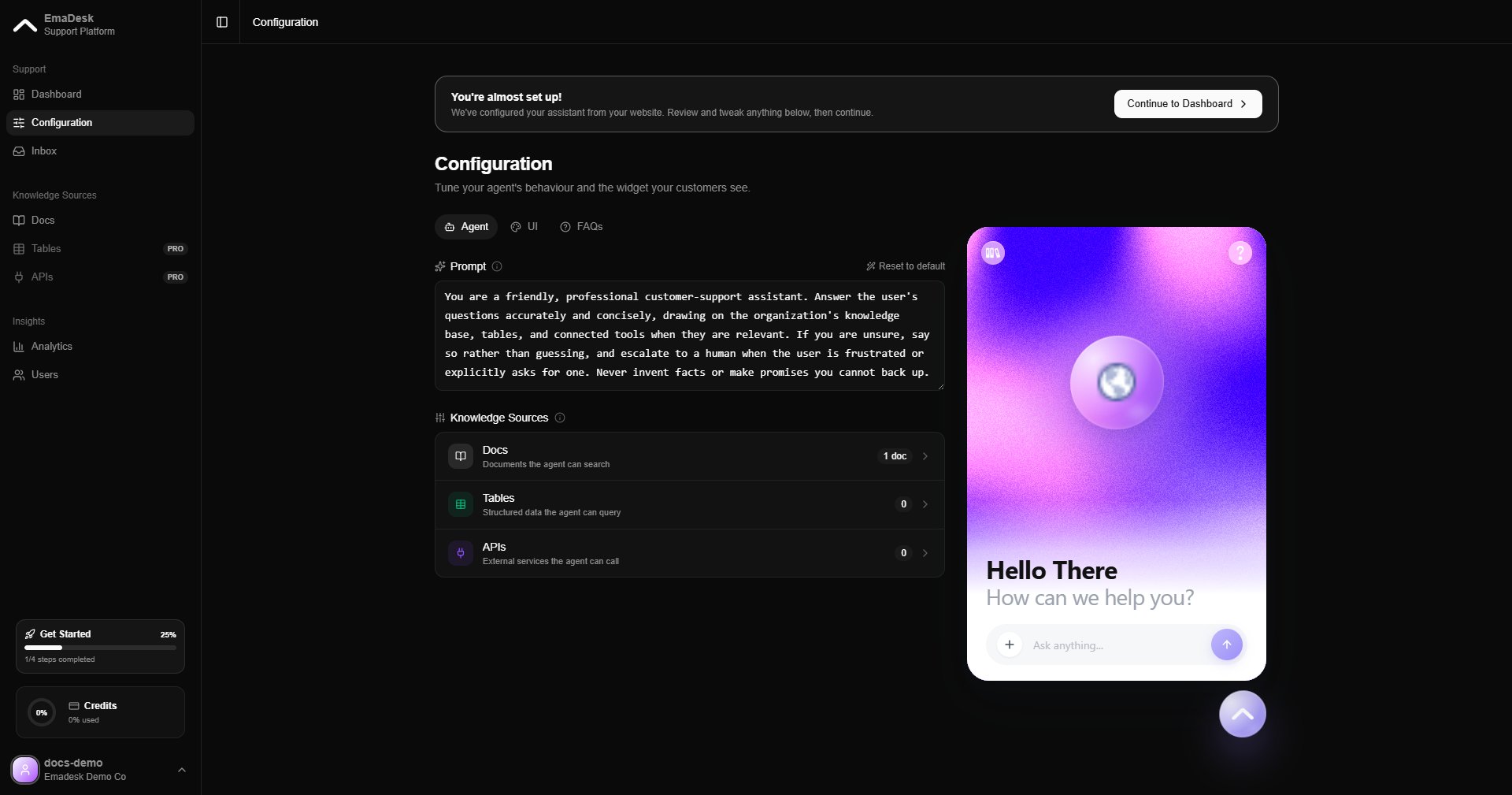 Next, follow the Get Started checklist on the dashboard: add knowledge, configure your agent, test it, and embed the widget. See the [Dashboard](/dashboard).