> ## Documentation Index
> Fetch the complete documentation index at: https://docs.emadesk.com/llms.txt
> Use this file to discover all available pages before exploring further.
# Knowledge base
> Give your agent the documents and content it answers from.
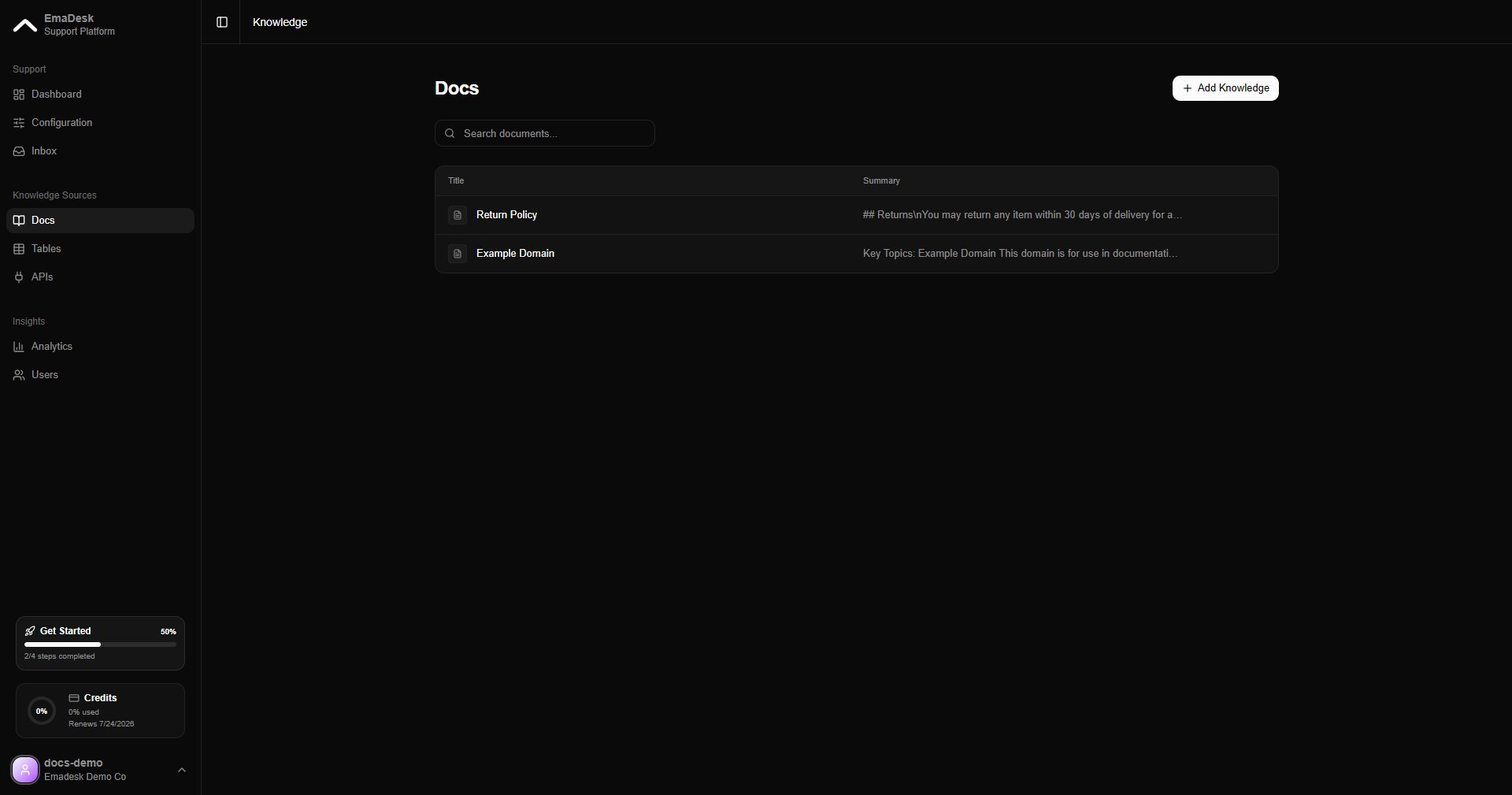
The knowledge base is what your agent searches to answer questions. You find it under **Knowledge** in the Knowledge Sources section of the sidebar.
When a customer asks something, the agent retrieves the most relevant pieces of your knowledge and answers from them, with sources, instead of guessing.
 ## Add knowledge
Click **Add** and choose how to bring content in:
Add a file such as a PDF or text document.
Paste content directly, like a policy or a help article.
Enter a URL and EmaDesk extracts and indexes the page.
## Add knowledge
Click **Add** and choose how to bring content in:
Add a file such as a PDF or text document.
Paste content directly, like a policy or a help article.
Enter a URL and EmaDesk extracts and indexes the page.
 Once added, EmaDesk indexes the content for search. Indexed items are searched on every reply.
 The more focused your content, the more accurate the answers. Add your product docs, policies, and FAQs first.