> ## Documentation Index
> Fetch the complete documentation index at: https://docs.emadesk.com/llms.txt
> Use this file to discover all available pages before exploring further.
# API tools
> Connect your own APIs so the agent can fetch live data and take actions.
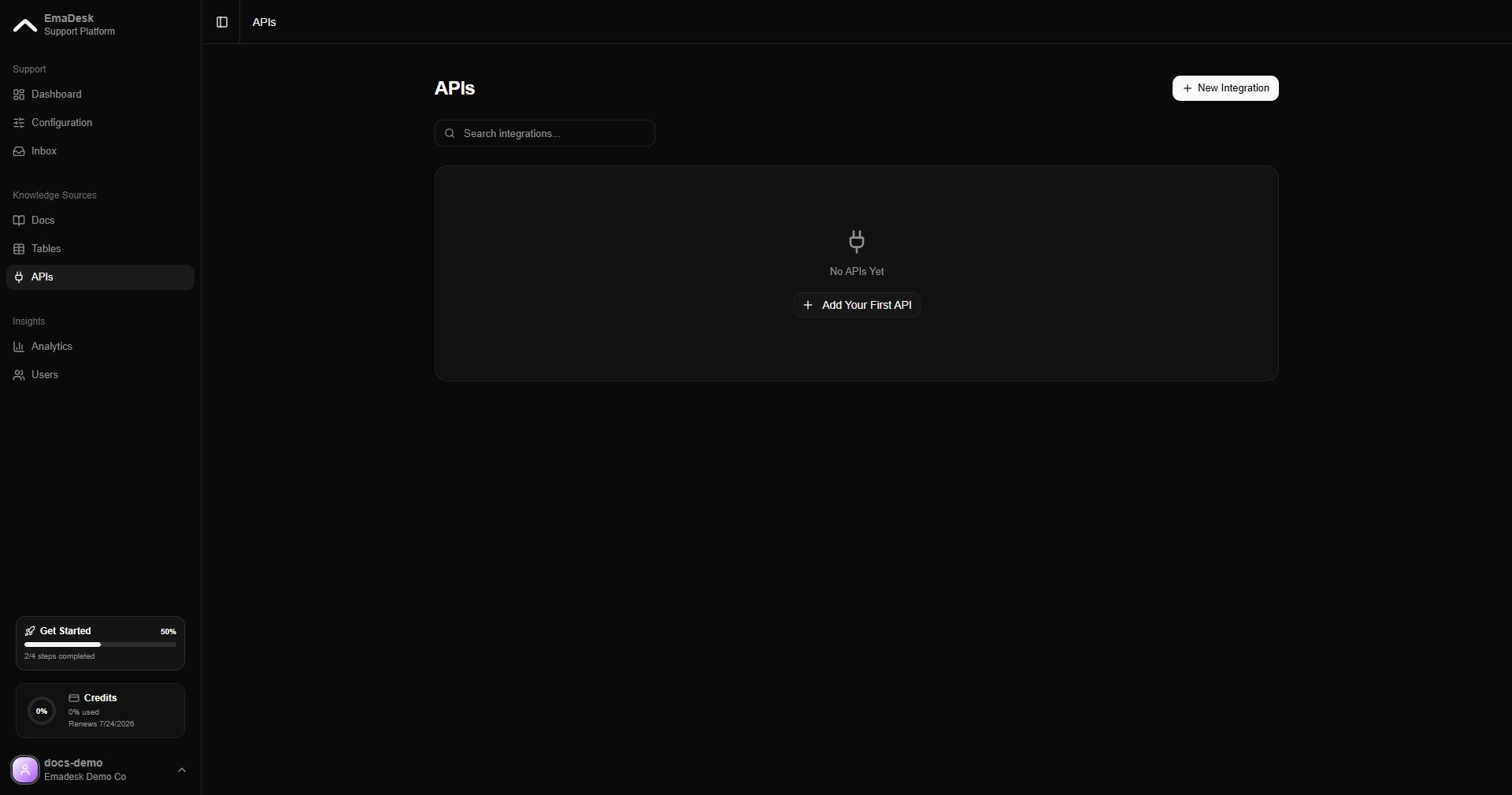
API tools let your agent reach your own systems. Register an endpoint once, and the agent can call it to fetch live data or trigger an action in the middle of a conversation. You find them under **APIs** in the Knowledge Sources section.
 API tools are available on paid plans.
## Add an API tool
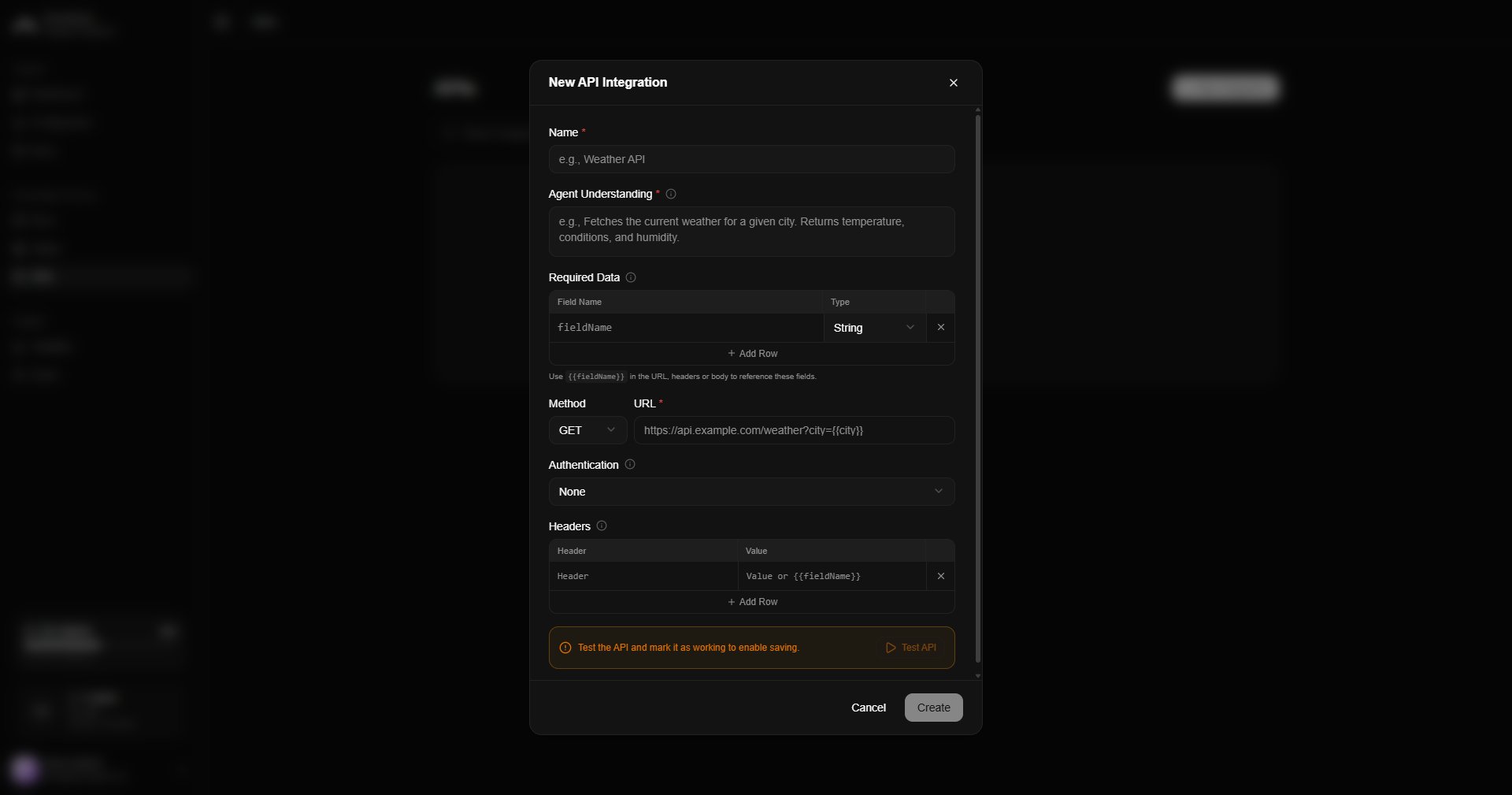
Click **New** and define the request:
Choose the HTTP method (GET, POST, and so on) and the endpoint URL.
Add any auth headers, tokens, or keys the endpoint needs. They are stored securely.
Describe the inputs the agent should collect and pass to the request.
Run a test request to confirm it works before saving.
API tools are available on paid plans.
## Add an API tool
Click **New** and define the request:
Choose the HTTP method (GET, POST, and so on) and the endpoint URL.
Add any auth headers, tokens, or keys the endpoint needs. They are stored securely.
Describe the inputs the agent should collect and pass to the request.
Run a test request to confirm it works before saving.
 Common uses: check live stock or order status, create a support ticket, or kick off a workflow in your backend, all without a human stepping in.