> ## Documentation Index
> Fetch the complete documentation index at: https://docs.emadesk.com/llms.txt
> Use this file to discover all available pages before exploring further.
# The AI chat agent
> How your agent answers questions, looks up data, and knows when to hand off.
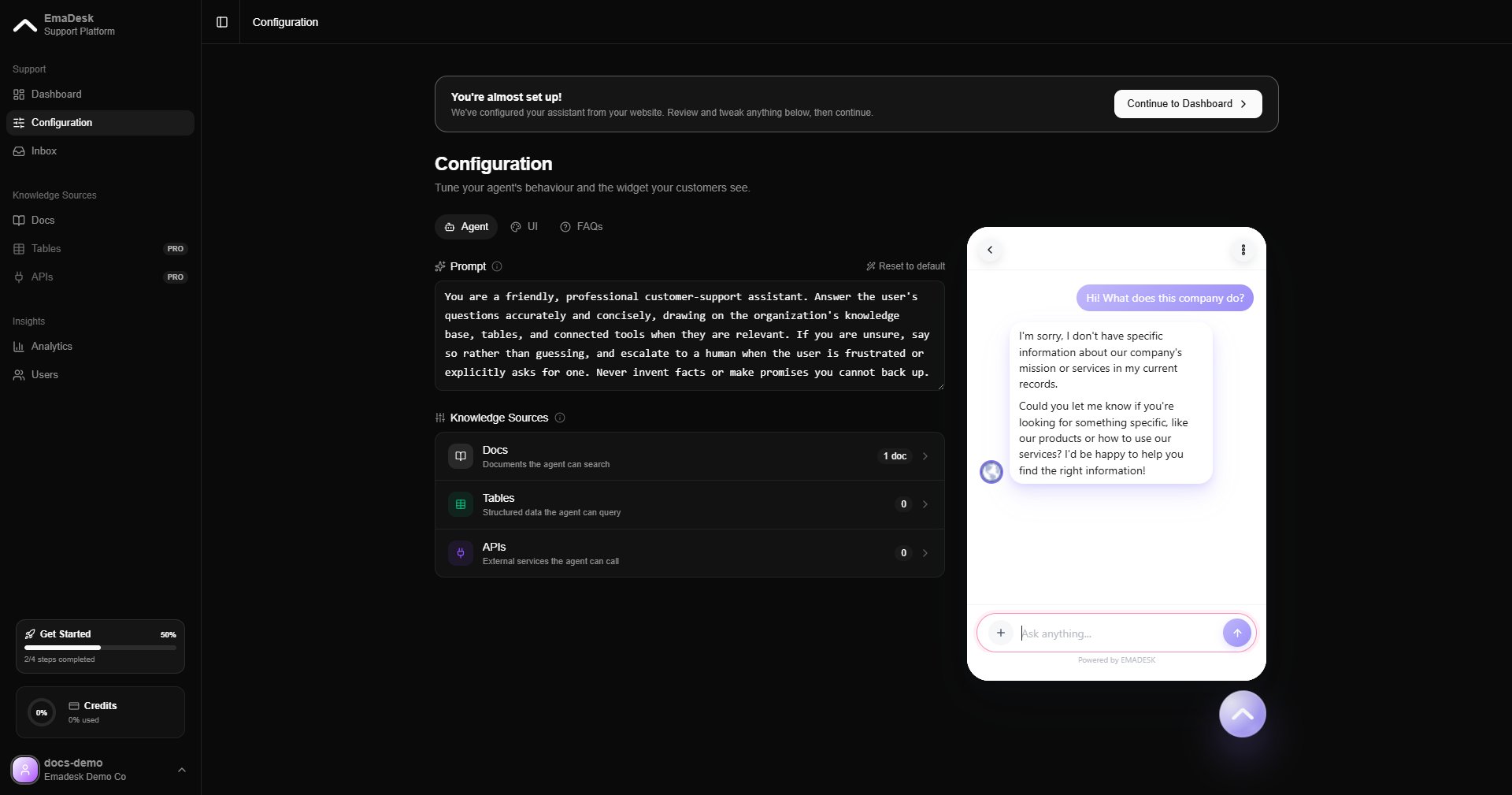
Your agent is the heart of EmaDesk. It answers customer questions using everything you have given it: your knowledge base, your tables, and your API tools. You can try it in the live preview on the **Configuration** page before it goes live.
 ## How it answers
On every message, the agent decides how best to respond:
Retrieves the most relevant passages from your docs and answers with sources.
Looks up a matching row, for example an order by its ID, and uses it in the reply.
Calls one of your connected endpoints to fetch live data or take an action.
### Look up structured data
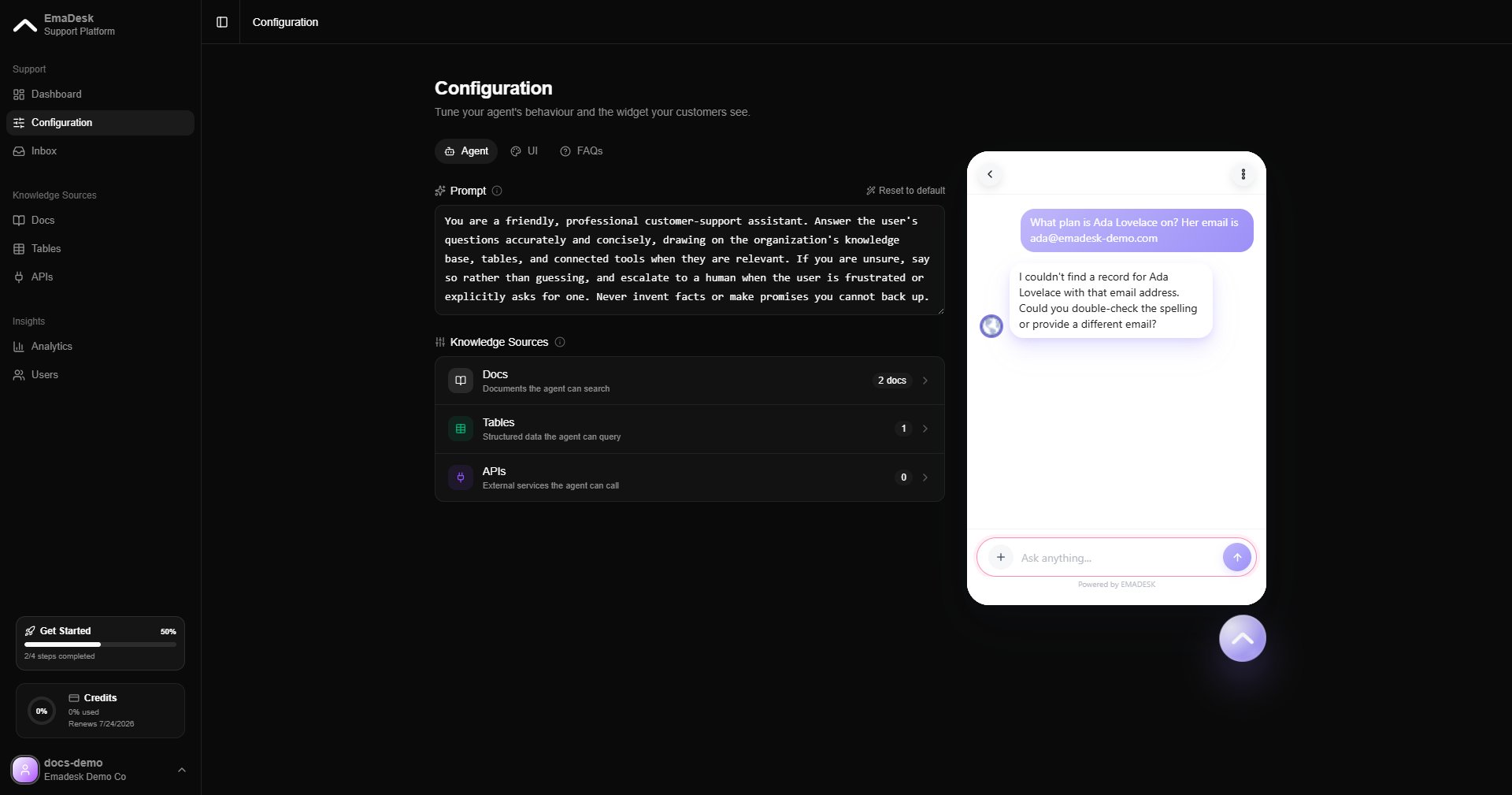
When a question maps to a table, the agent queries it and answers from the row it finds.
## How it answers
On every message, the agent decides how best to respond:
Retrieves the most relevant passages from your docs and answers with sources.
Looks up a matching row, for example an order by its ID, and uses it in the reply.
Calls one of your connected endpoints to fetch live data or take an action.
### Look up structured data
When a question maps to a table, the agent queries it and answers from the row it finds.
 ### Combine sources
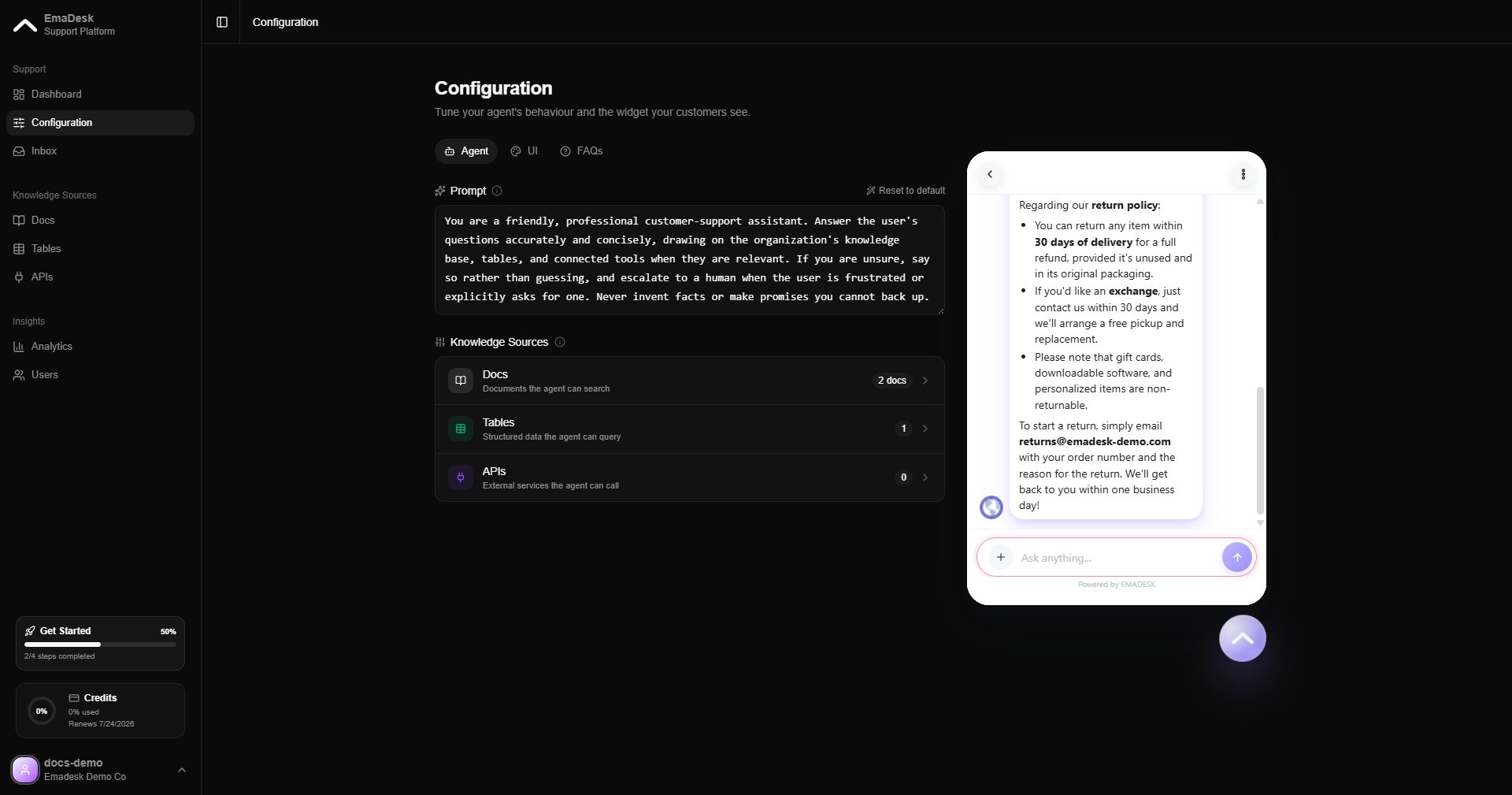
The agent can combine knowledge and data in a single answer, drawing on documents and a table lookup together.
### Combine sources
The agent can combine knowledge and data in a single answer, drawing on documents and a table lookup together.
 ## Handing off to a human
When a conversation needs a person, the agent offers to connect the visitor to your team. It never transfers silently. Once the visitor confirms, the chat is routed to your support team and appears in the [Inbox](/inbox).
Shape how the agent behaves, including when it escalates, from the **Agent** tab in [Configuration](/configuration).
## Handing off to a human
When a conversation needs a person, the agent offers to connect the visitor to your team. It never transfers silently. Once the visitor confirms, the chat is routed to your support team and appears in the [Inbox](/inbox).
Shape how the agent behaves, including when it escalates, from the **Agent** tab in [Configuration](/configuration).